This is kind of a silly, yet serious thread I am starting here.
Based on research already done, only Reddit has offered me any guidance. None of which is feasible for me or goes anywhere. So I am turning you all.
Overview Of My Situation
I have a number of desktop computers (most acting as servers) in my homelab. Some are on 24/7, some are not. Regardless, many of my computers are unexpectedly being reset, shutdown or powered on.
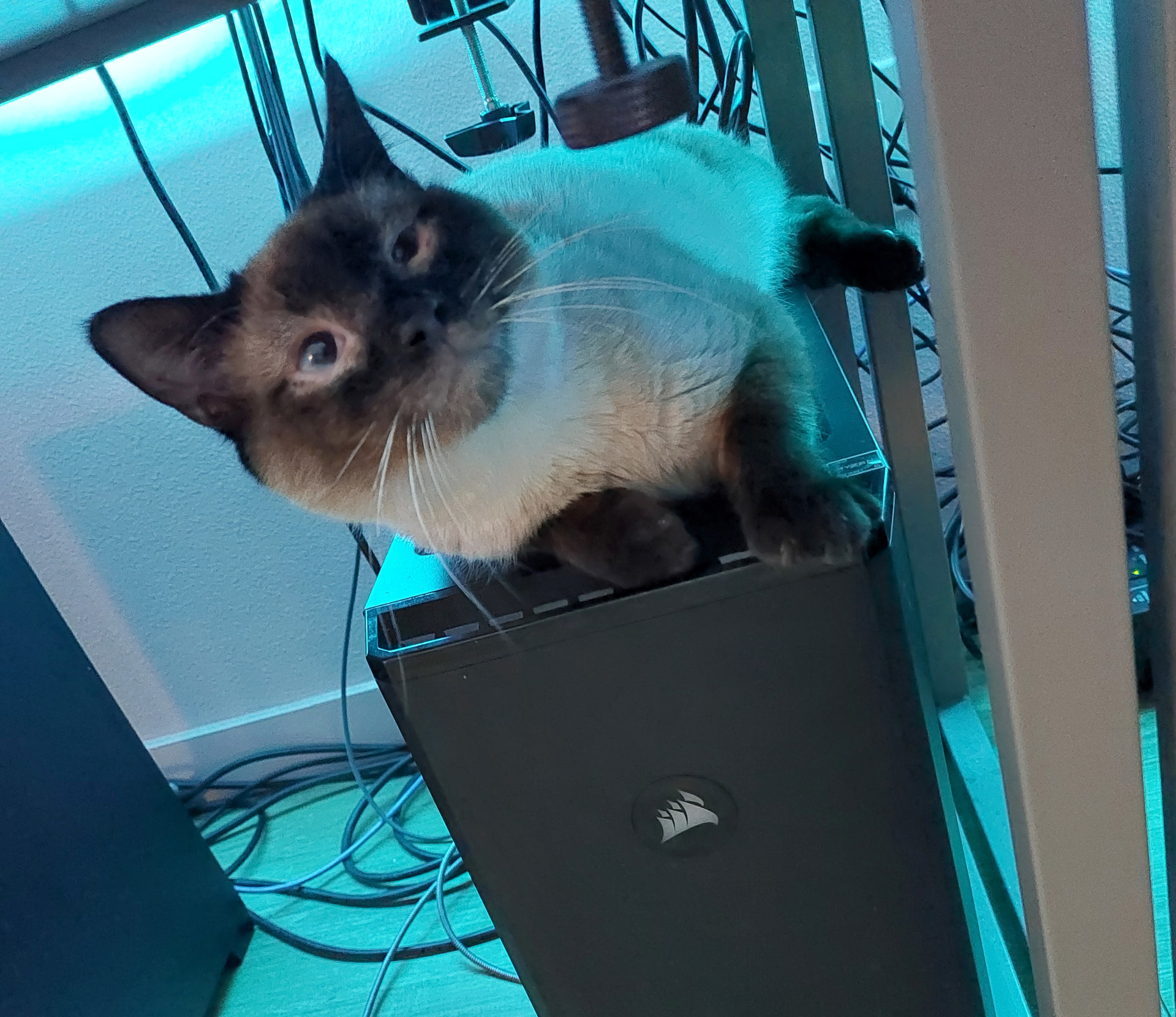
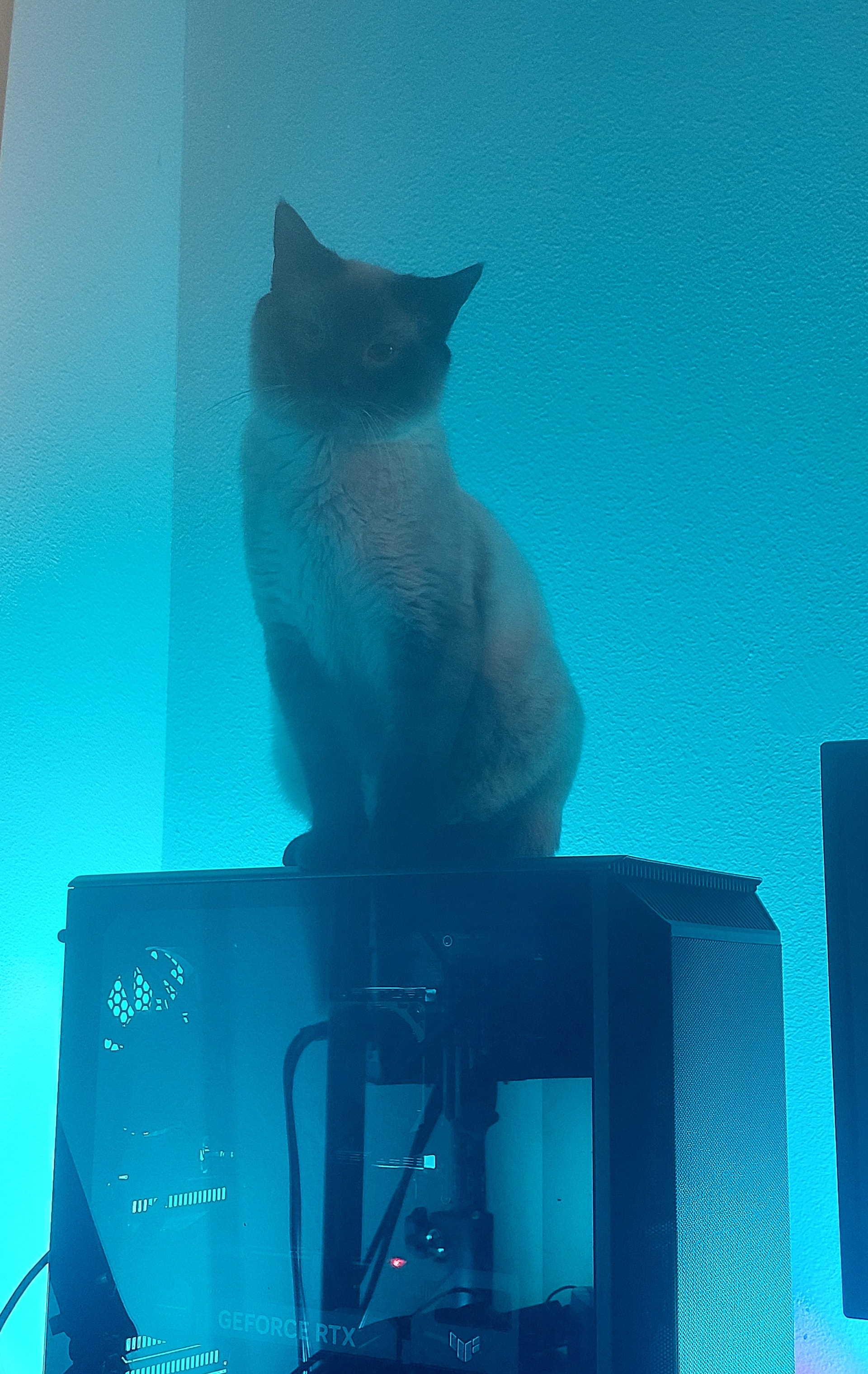
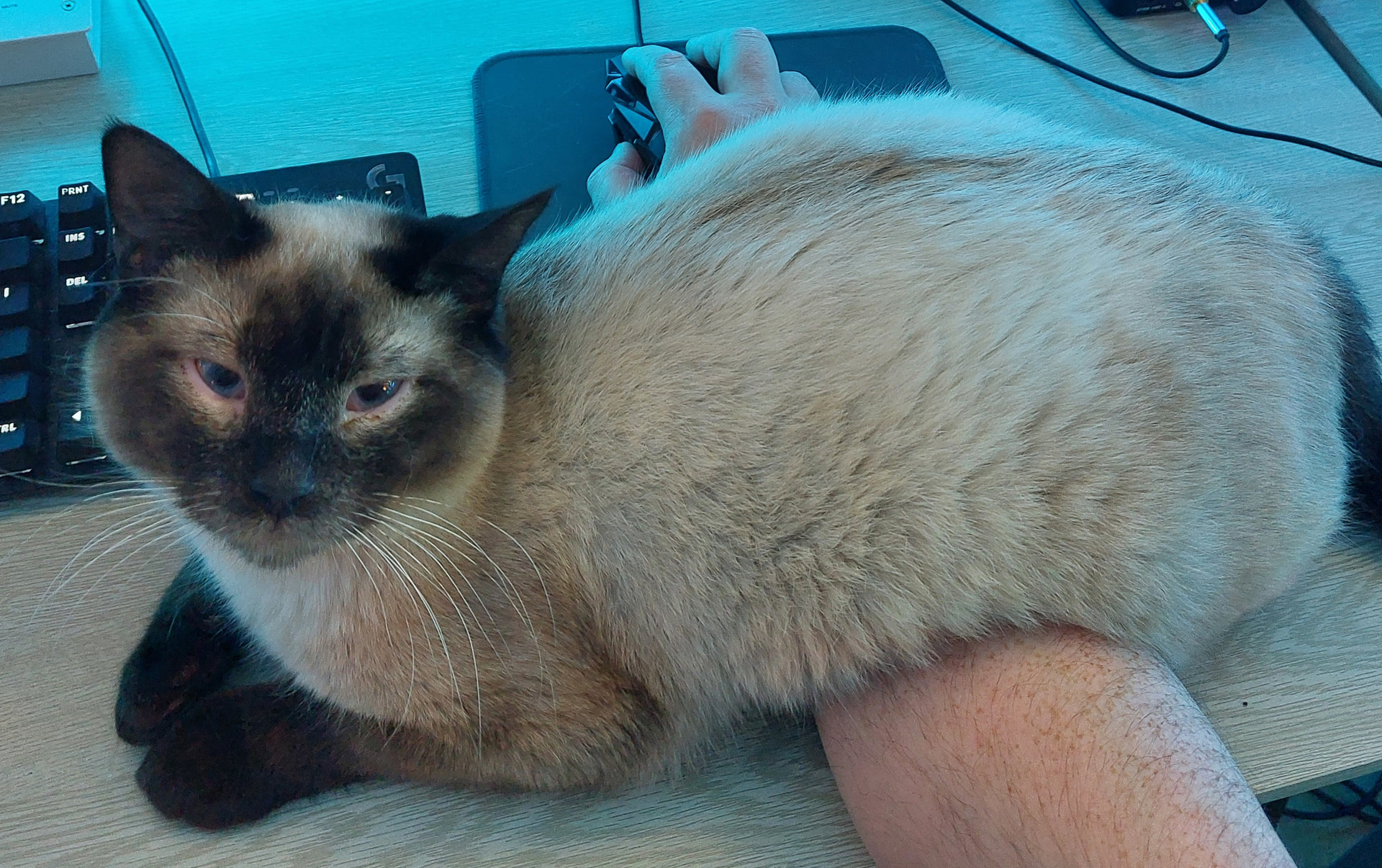
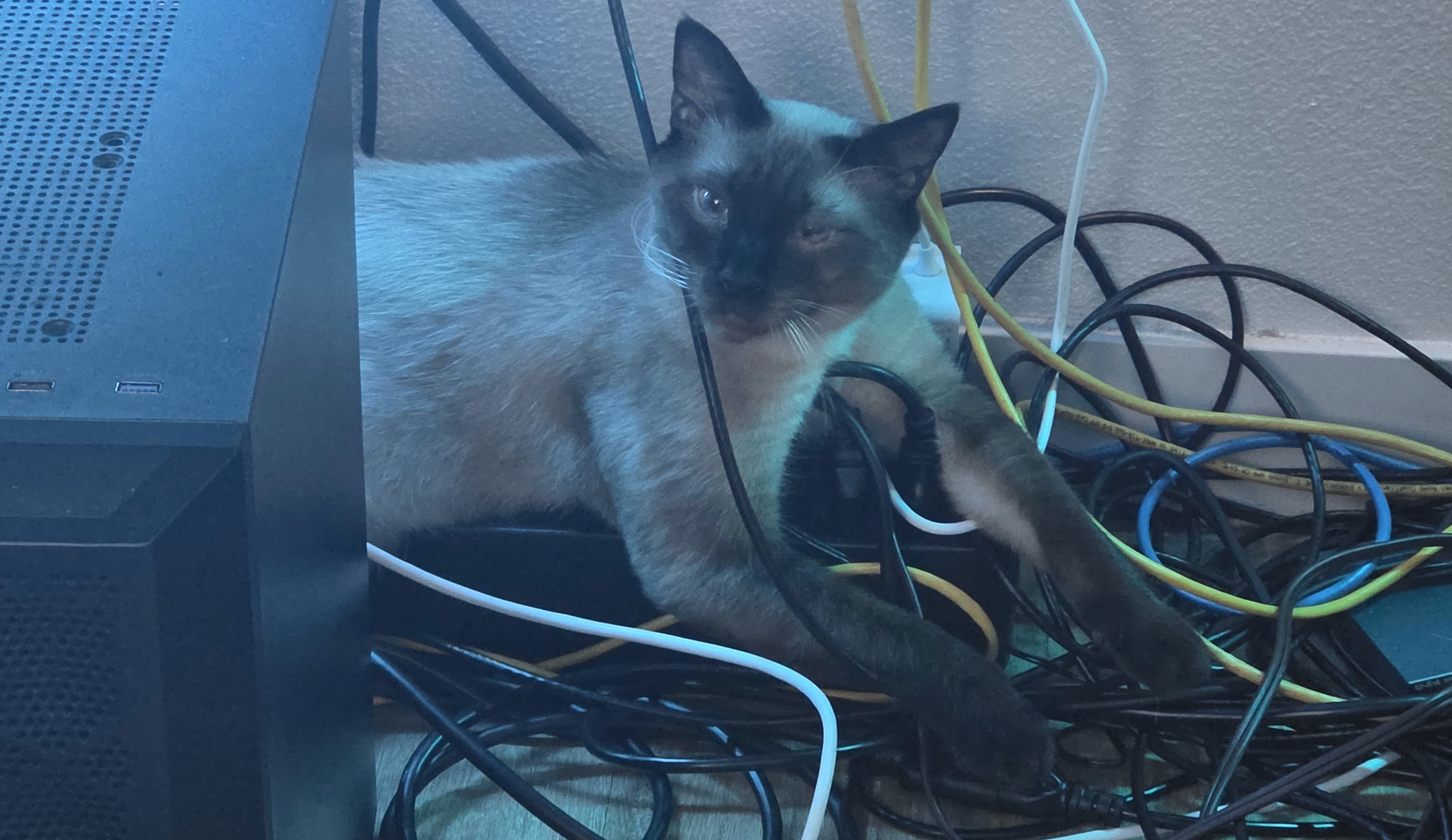
You see, my cat (Fortune) likes to lay on top of my mid ATX computers, often pressing a given machine’s power button while lounging. Here is a perfect example:
I assume this is common among homelabbers who own felines. So there is likely a solution for this kind of thing, but something I am unfamiliar with at the moment.
Does anyone know how I can prevent power buttons from being physically, accidentally pressed by cat paws?
Might be an “out-there” idea, but since power button is typically just a momentary switch you could modify your case slightly and buy a cheap momentary switch at the hardware store and mount it on the rear of you case, reroute the wires from the top switch (or add new wires) and just disconnect the physical switch on the top.
It may be a pain to get to if your tower is down low, but prevents the cat from dictating when your system gets turned on/off.
Cover the power switch with a small 2x2 plexiglass.
Drill a small hole on the plexiglass so that a paper clip can go through.
The hole is there should you need to push the power button.
Pigeon spikes? No not serious. I think the heated and raised bed might be the trick to solving this. A mount that screws to the underside of the desk to hold the pc up where a cat can not fit, or a stand to the do the same.
I’m guessing this “problem” is often accompanied by you sitting and working at the desk? Pets often like to be near their people. For a while I was working from home, had a laptop set up at a portable desk. My dog was UNHAPPY. Soon after I bought a footstool/storage chest, built some rails sticking up over the top on three sides, and put a bed inside the rails. Parked it next to my desk where I could reach over and scratch his ears while I worked. He loves that bed and still uses it often even though we are back in the office and he is at home.
As an update, the two power button covers arrived today and work perfectly. Thank you for the advice. I will be ordering another 10 for the rest of my computers.
A simple solution might be to disable the “power off when button is pressed” feature. Most case power buttons are soft switches, meaning that the BIOS or OS can be told to ignore it for power-offs.
With Fortune getting bigger and still jumping on top of computers, I need to go one step further.
I need to prevent Fortune from knocking over tower PCs. So I am adding industrial strength velcro to the feet of each desktop computer stationed on a table.
Computers are not cheap and I do not want to replace my homelab machines when doing so is probably avoidable with forethought and $10 in adhesive velcro strips.
Have you priced home lab type equipment lately? $1000 per node if you need a reasonable amount of RAM (64GB or more). Big Uggg! I’m trying to find some HP DL360 gen10 with that much and I’m seeing a whole lot more than I want to spend, especially on something that old. The only cheap stuff is older that uses DDR3 RAM, but generally speaking, those do not support UEFI boot. Too bad, I have a pile of DDR3 ECC, probably close to a TB worth and it’s practically useless. Yes you do really need UEFI to run modern things, or jump through a bunch of hoops to run it on older stuff.
Power strips are the bane of my existence. I had to replace several with ones without power buttons, or with programmable power buttons that can be software disabled.
Lost count the number of times one of my 2 cats decided to turn off the CCTV and some sensors in a room.