I am new to XCP-ng, but it was going well until my XO got corrupted. I built a new one and attached it to the Master, but it did not pick up any of the other hosts, and no backups are available. Is there any way to bring it back and have access to the hosts, pools, and backups, or do I just reinstall the host and rebuild from scratch, then import the VMs ??
You can backup the config of one XO instance and import it into another XO instance for all the XO settings such as what XCP-ng hosts it was connected to, backup jobs, and any other settings. The data about the VM’s IS NOT stored in XO, that is in the XCP-ng master host and if there are other hosts in that same XCP-ng pool they will also have a copy of that data.
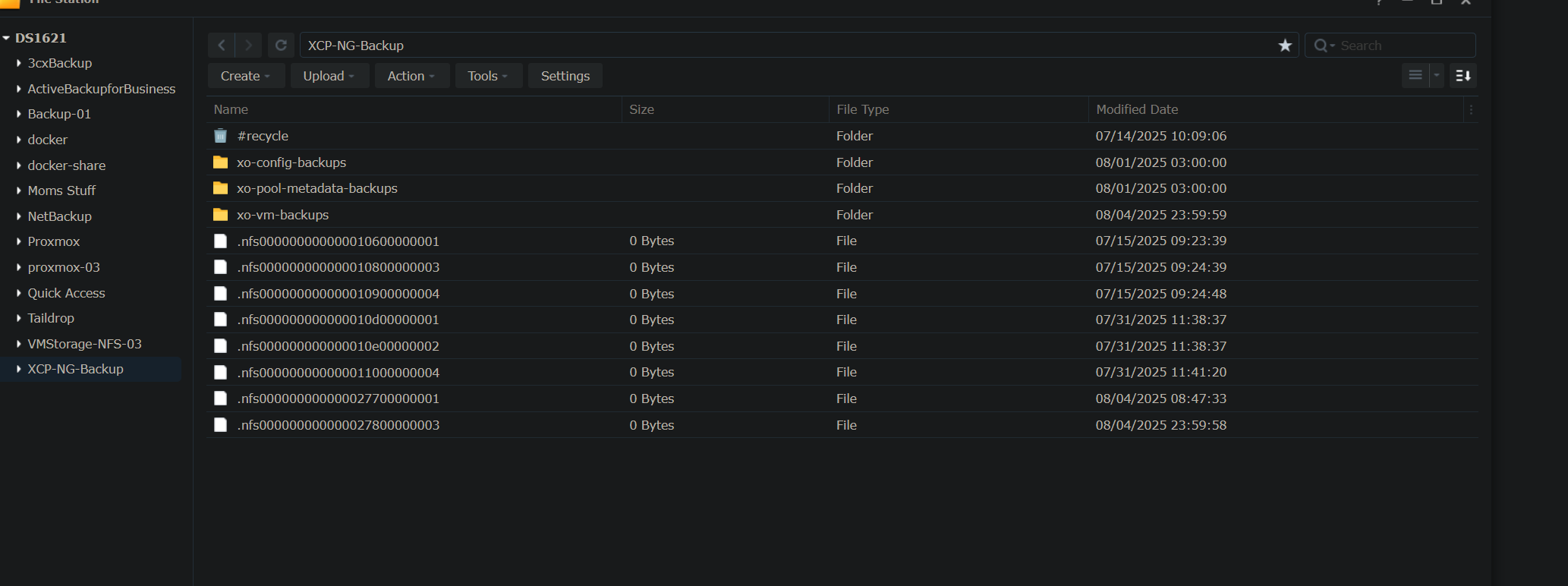
Well, I have all the backups on 2 of my NAS’s VMs and the XO config, but how do I get them imported or restored if they are not showing up in XO? Are there command-line commands I can use to restore them ??
Thanks, I will watch your videos, which have helped me so much on this journey to expand my knowledge of options not used in the 20+ years working in DoD IT….
Not really worth trying to recover the XO VM, build a new one and import the config. This of course assumes you backed up the config from your XO.
I’ve also had this happen, my primary XO VM failed, I probably should have tried to troubleshoot it, but I did have a snapshot. Went in through my backup physical XO, restored the backup, got the onlder version working. That was fine for a while, and it failed again. Finally just built a new VM, ran the script, and loaded the config file.
This assumes the XO from sources, if you bought XOA then you probably want to open a ticket and get someone from Vates to get you an official fix so your licensing doesn’t get messed up.
Thanks! That is what I am in the middle of doing. I hope that once I restore the remotes, I can access my backups and restore the config. I should have things back to normal in an hour or two, I hope. The T-Mobile tech just showed up to install my Founders Club 2 gig line. I have been running on my cable backup internet for a week now, and I’m excited to get the new line done.
If your XO is corrupted and the new one isn’t picking up the hosts or backups, try checking if you have an external database (like MySQL) that you can restore to recover your previous configuration. If you have any backup files, you can restore them in the new XO as well. If neither of these options works, you may need to rebuild XO, set up the hosts again, and re-import the VMs.
If the hosts are running, there is no need to “re-import” the VMs. All VM info lives on the master (which is also propagated to the other hosts), once you reconnect to the master host, all VMs will be visible again through XO. Backup tasks and other things will be missing, but your VMs will pop right up and you can get basic task going again while you sort out the more complex things.
Also assuming everyone is on XCP 8.3 LTS, there is a lot of function in the XO Lite interface, you can at least create/delete/start/stop VMs, use the console on VMs to log in and do work, some other back end assignments are also functional. Is everything there? Nope, but there is enough to work as a rough secondary plan. So if the VM that has XO sources running is completely dead, you should be able to use XO Lite to create a new VM, install your Linux of choice, and get XO sources working again. XO Lite is also useful for some maintenance tasks where you may need to have XOA/XO sources shut down or might get shut down during the process.
One thing to note: Unless this has been fixed, you can not create a UEFI VM from XO Lite, it will need to be BIOS boot. You can get the VM installed UEFI, but it will not boot after that first post-install reboot. If this has changed, please find the thread on the XCP forums and update it, I haven’t had time to check on this or wipe my lab and build from scratch since April or May 2025 when I rebuilt my lab from scratch and used XO Lite to get the framework going.