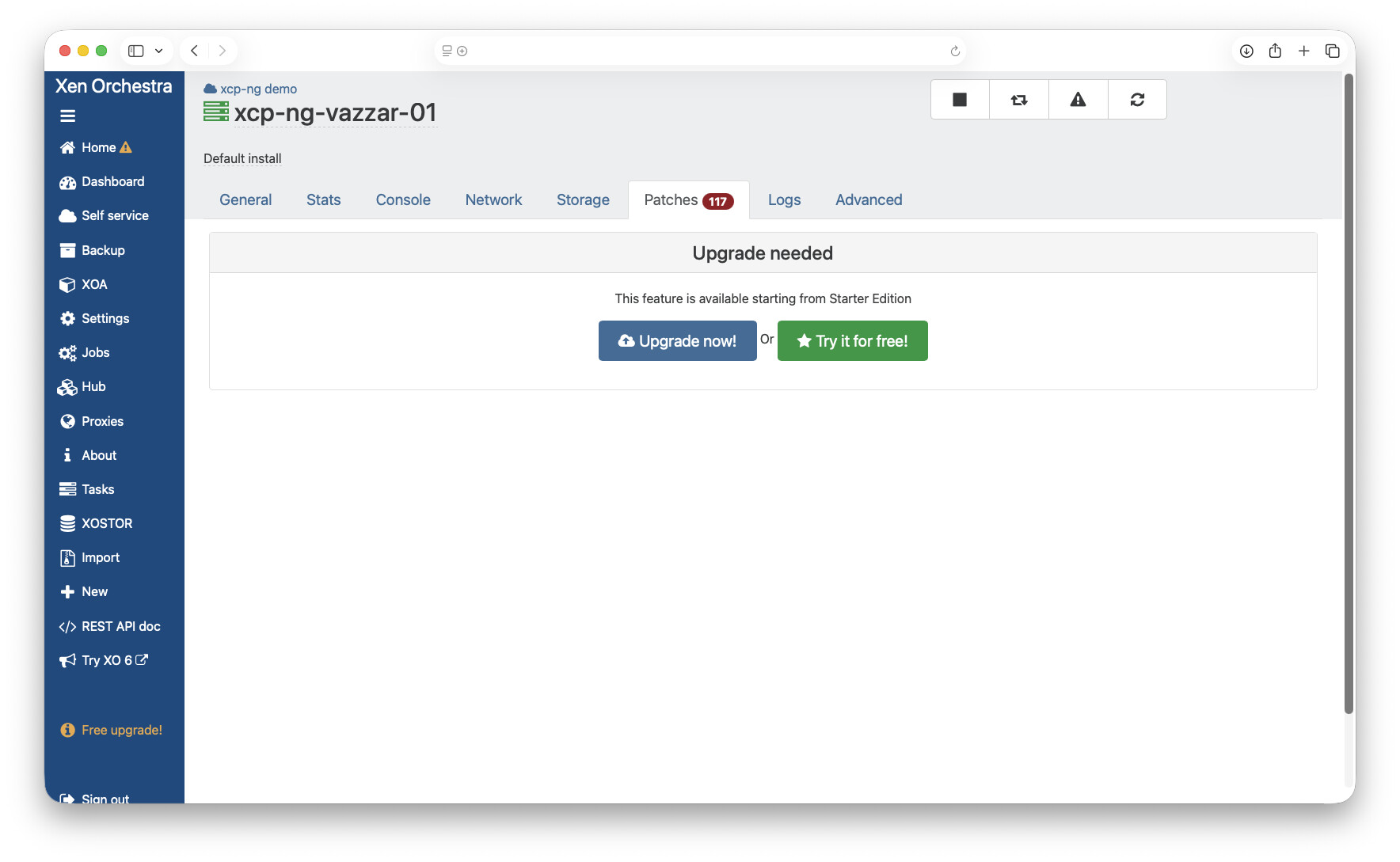
XCP-NG Requires 117 Patches

Hey Y’all!

I just downloaded xcp-ng following following the video below:

“Your Complete Open Source Virtualization Guide For Getting Started With XCP-ng & Xen Orchestra”

The first issue that arises is when I attempt to set the xoa appliance to maintenance mode I receive a “no host” error. (This was because I wanted to increase dom0 to 16GB for a zfs pool).

I managed to set the value and restart it and it reflects the change.

The next issue is when I view the host it shows 117 patches being required, but the only way is via paid upgrade.

How would I best be able to install the patches to be up to date?


I did just find this video and wonder if this was the better method for installation?

“How to Easily Build The Full Version of Xen Orchestra From Source with XenOrchestraInstallerUpdater”

(sorry for not being able to link the videos, my new account only allows for one embedded media at the moment)

You can ssh into the XCP-ng host and run yum upgrade to get all the patches done. But yes, the next thing to do is follow my build from source video and you will get the full features.

1 Like

Gah, rookie mistake on my part!

I’ll run yum and follow the video, thanks!

1 Like

I just updated my xcp-ng with 39 patches, all good. Not need to do the yum.

How did you get about doing that through the UI?

I ended up SSH’ing as Tom said and executed yum update which worked fine.

May lab just updated with 30+ patches, it was up to date previously so not a huge amount. I bet my production system is going to be nearly 100 when I get time to perform this task.
@angel
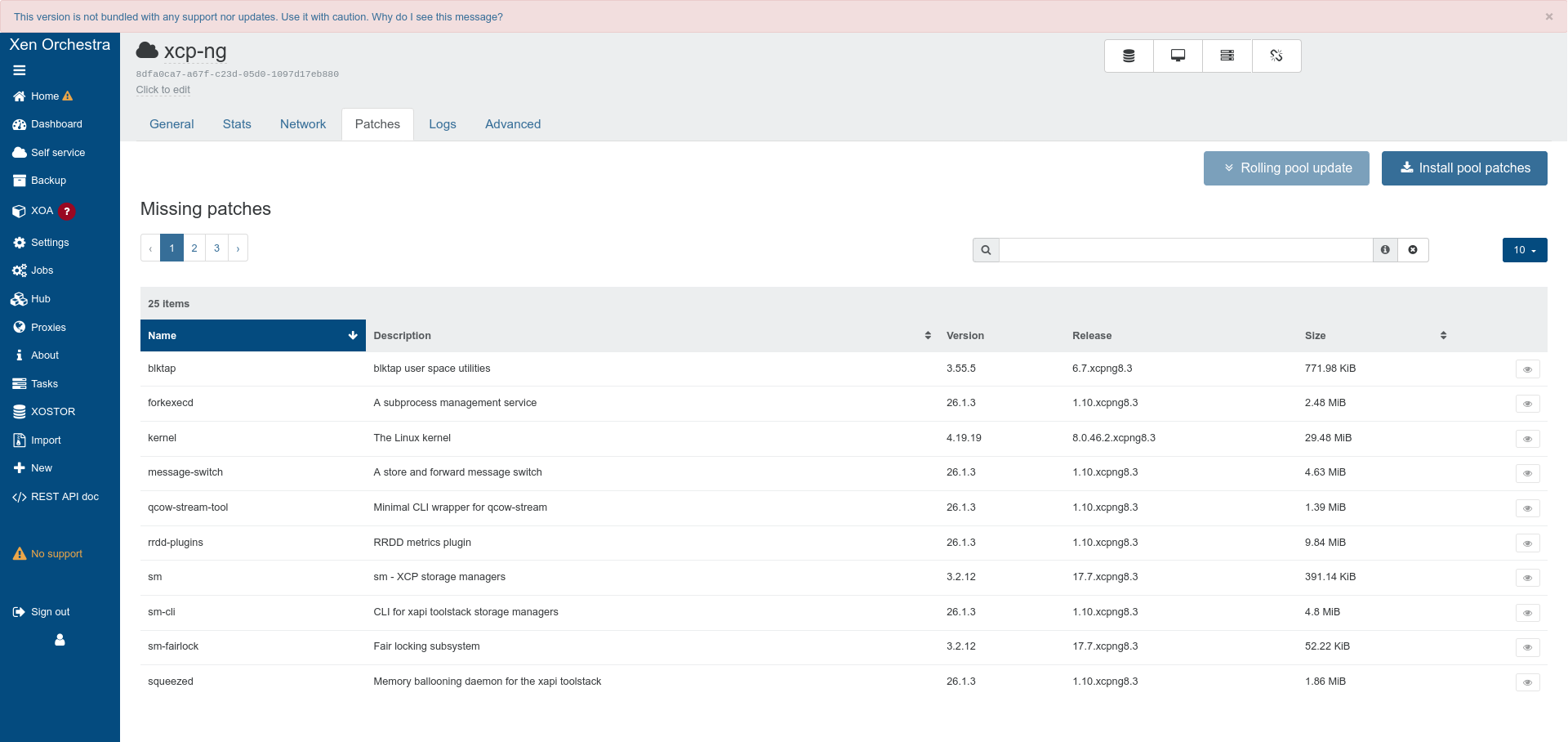
if you build xcp-ng from sources, the main page should show on the bottom left, No Support

click on Home > Pools, I see there are 25 patches and there is a button to install them.

Gah, I didn’t build from source, I used the ISO installer to get my up and running so that might be why.

yum update it is for me. Thanks for the explanation there!