Additional Resources:
Thanks to NinjaOne for sponsoring this video
IT Management Solution Trial | NinjaOne
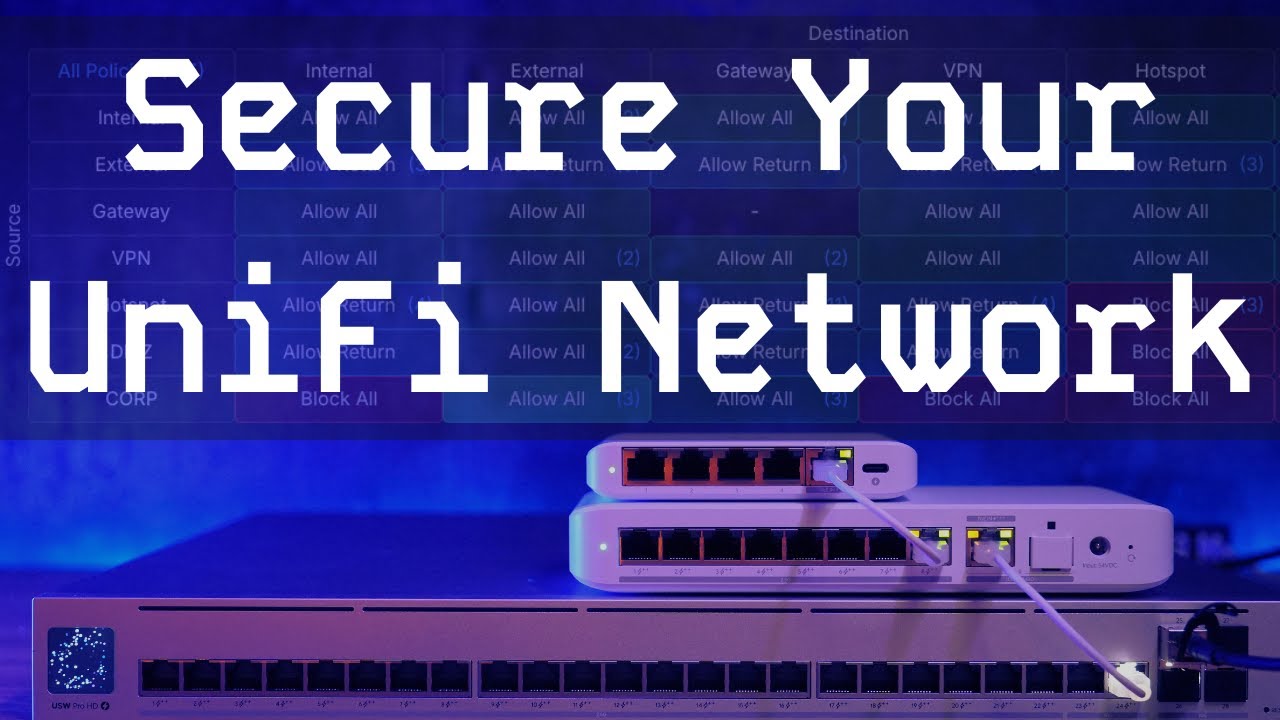
By default, UniFi networks are more permissive than many people realize.
New VLANs can talk to each other, internal networks often have broad access to the gateway, and “internal” traffic is frequently trusted unless you explicitly lock it down. In this video I go over how to change the default setting to get your network to a more secure posture.
UniFI VPN Rules
UniFi Zone Firewalls

Connect With Us
- Hire Us for a project: Hire Us – Lawrence Systems
- Toms’ Twitter
 https://twitter.com/TomLawrenceTech
 - Our Website https://www.lawrencesystems.com/
- Our Forums https://forums.lawrencesystems.com/
- Instagram https://www.instagram.com/lawrencesystems/
- Facebook https://www.facebook.com/Lawrencesystems/
- GitHub lawrencesystems (Lawrence Systems) · GitHub
- Discord Lawrence Systems
Lawrence Systems Shirts and Swag
AFFILIATES & REFERRAL LINKS
Amazon Affiliate Store
 Lawrence Systems's Amazon Page
UniFi Affiliate Link
Ubiquiti Store
All Of Our Affiliates help us out and can get you discounts!
Partners We Love – Lawrence Systems
Gear we use on Kit
Kit
Use OfferCode LTSERVICES to get 10% off your order at
Tech Supply Direct - Premium Refurbished Servers & Workstations at Unbeatable Prices
Digital Ocean Offer Code
DigitalOcean: AI-Powered Unified Inference Cloud Infrastructure
HostiFi UniFi Cloud Hosting Service
HostiFi - Fast and Reliable UniFi in the Cloud
Protect your privacy with a VPN from Private Internet Access
https://www.privateinternetaccess.com/pages/buy-vpn/LRNSYS
Patreon
 https://www.patreon.com/lawrencesystems
Chapters
00:00 UniFI Firewall Rules
01:11 Default Security Posture
02:00 UniFi Port Security
05:02 Setting Alarm for Switches
05:30 Default Firewall Zones and Rules
12:20 UniFi Gateway Rules
15:00 Creating a Custom Zone
16:00 Locking Down Gateway Rules
19:40 Custom Allow Rules
20:52 External Access and VPN Settings
23:00 Adding More Rules if needed