Additional Resources:
Release Notes
https://community.ui.com/releases/UniFi-Network-Application-10-1-83/36112277-72db-4b1e-a2bb-ae4648932f49
Connect With Us
- Hire Us for a project: Hire Us – Lawrence Systems
- Toms’ Twitter
 https://twitter.com/TomLawrenceTech
 - Our Website https://www.lawrencesystems.com/
- Our Forums https://forums.lawrencesystems.com/
- Instagram https://www.instagram.com/lawrencesystems/
- Facebook https://www.facebook.com/Lawrencesystems/
- GitHub lawrencesystems (Lawrence Systems) · GitHub
Lawrence Systems Shirts and Swag
AFFILIATES & REFERRAL LINKS
Amazon Affiliate Store
 Lawrence Systems's Amazon Page
UniFi Affiliate Link
Ubiquiti Store
All Of Our Affiliates help us out and can get you discounts!
Partners We Love – Lawrence Systems
Gear we use on Kit
Kit
Use OfferCode LTSERVICES to get 10% off your order at
Tech Supply Direct - Premium Refurbished Servers & Workstations at Unbeatable Prices
Digital Ocean Offer Code
DigitalOcean: AI-Powered Unified Inference Cloud Infrastructure
HostiFi UniFi Cloud Hosting Service
HostiFi - Fast and Reliable UniFi in the Cloud
Protect your privacy with a VPN from Private Internet Access
https://www.privateinternetaccess.com/pages/buy-vpn/LRNSYS
Patreon
 https://www.patreon.com/lawrencesystems
Chapters
00:00 UniFi Network Application 10.1
00:29 Release Notes
00:55 WiFi Roaming and Visual Tracking
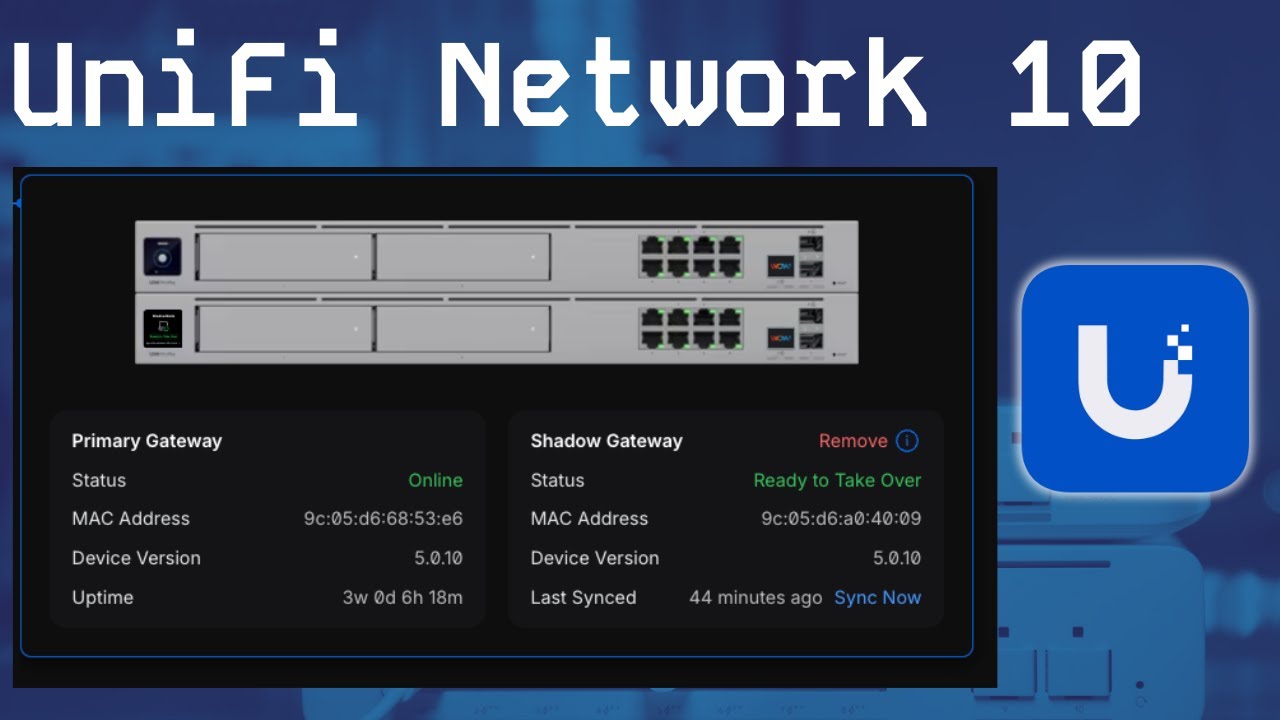
02:20 High Availability and Shadow Mode Update
05:25 System Audit Logs
08:29 UniFi Device Tagging
09:26 WiFi Doctor
09:58 Starlink
10:22 UniFi Network Additional LAN IP