I just switched from pfsense to Unifi and I’m having trouble with the Policy Based Routes, specifically for domains. I’m trying to route a test domain (ip-tracker[.]org and checkip[.]org) from all networks on my FW through a third party VPN. Cloudflare 1.1.1.1 is set as my upstream provider on my WAN interface, but my computer shows my routers IP as my DNS provider.
I see both domains in the routing table stating they should go through the VPN (screenshot attached), but I’m still getting my WAN IP when I visit those sites, even though kill switch is enabled. I know the third party VPN is working, because I can route all network traffic through the VPN and it works fine, just not the specific domains.
This setup worked fine in pfsense. As I said, I’m a Unifi noob, so any help troubleshooting would be greatly appreciated.

Your DHCP is giving your computer the DNS of the router. If you want to use cloudflare then you will need to update all the clients manually or set your DHCP server to hand out DNS servers.
If you are using a privacy VPN I suggest using their DNS.
UniFI acts as my DNS. As a test I setup a policy route for my entire network for the domain ifconfig.co to route out my privacy VPN and it worked just fine.
Policy Name: Testing ipconfig.co
Secure: (nothing checked)
Route: Enabled | Domain ipconfig.co | Chose Privacy VPN | Kill Switch Enabled
QOS: (nothing checked)
This may vary for other domains and you would have to get the list of all the domains they reach out and add them to the list.
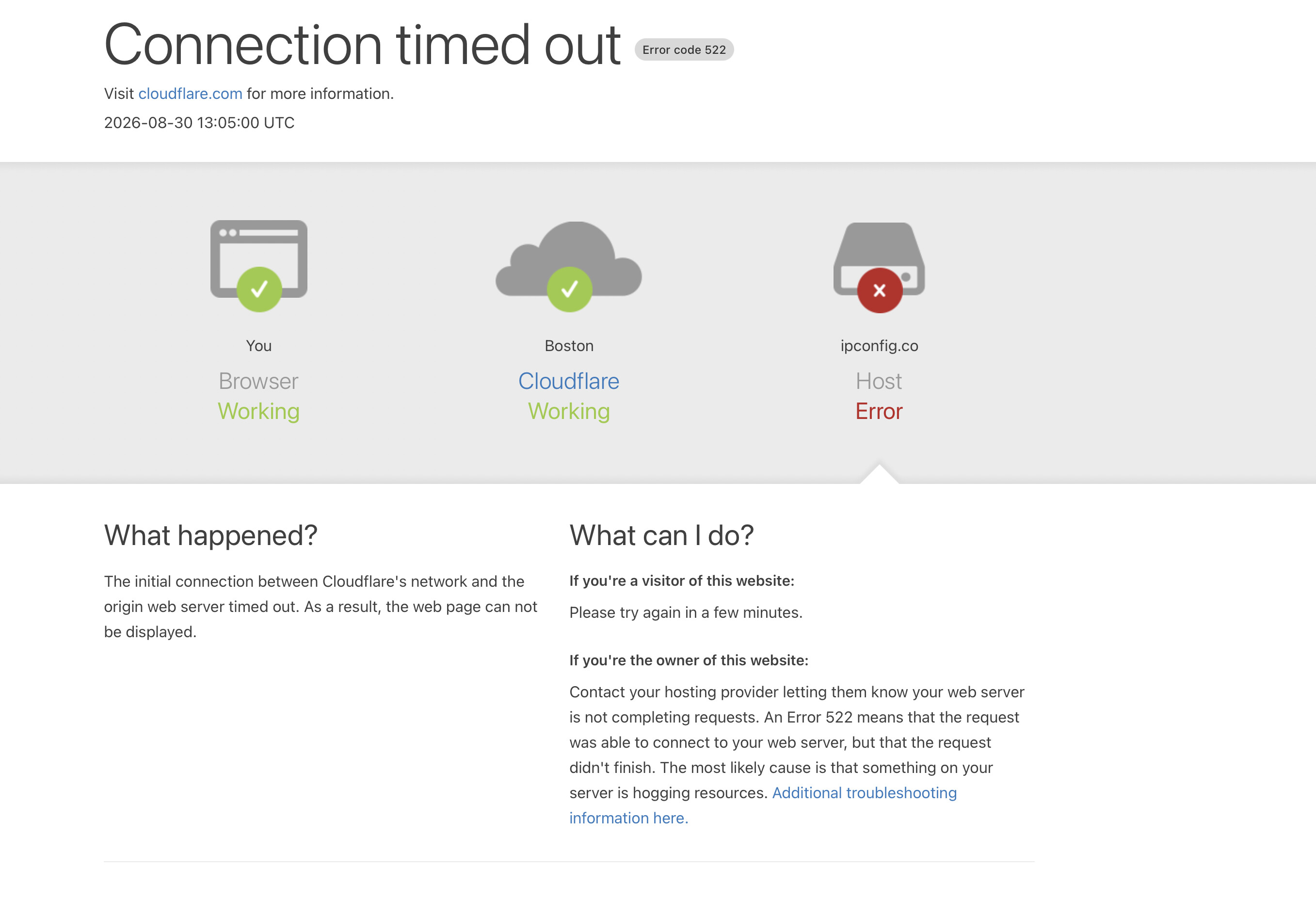
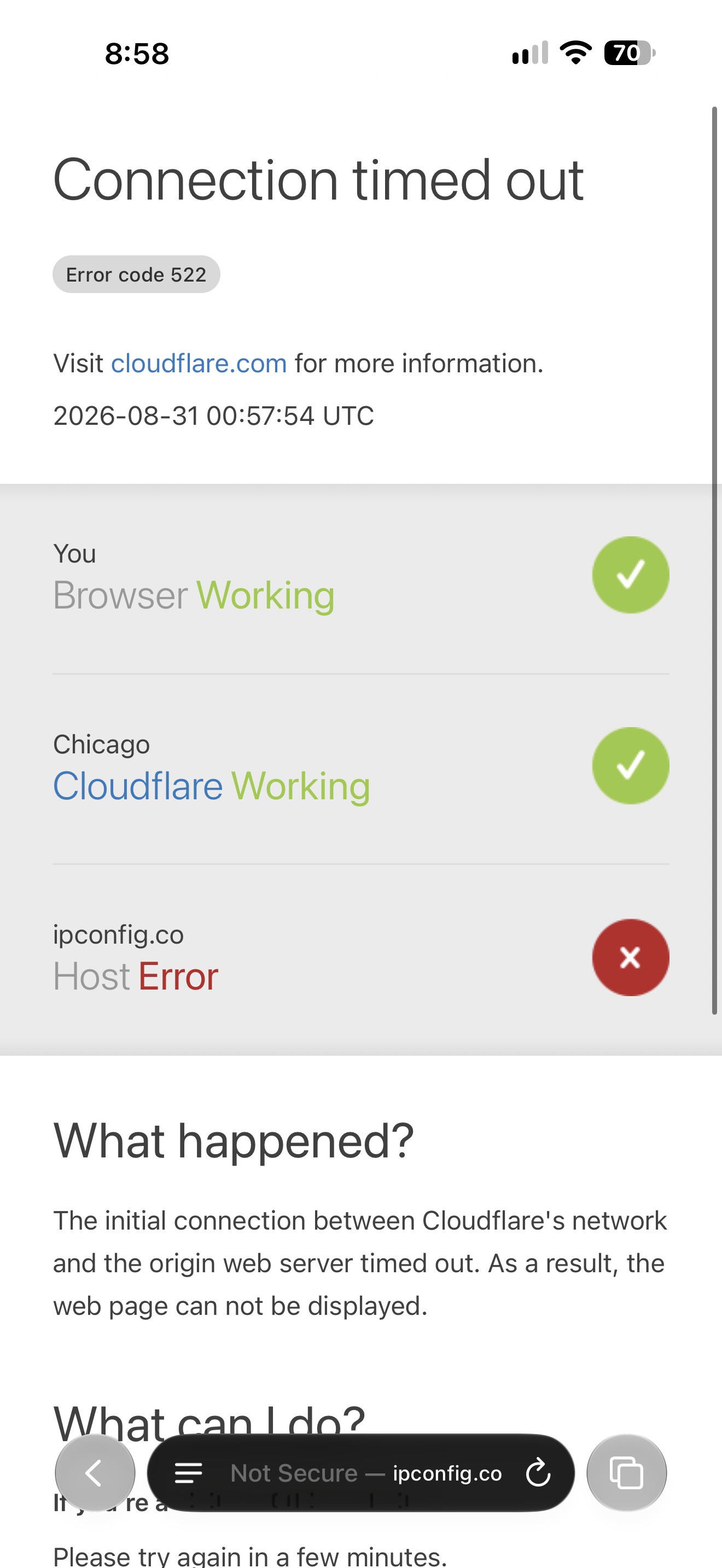
Just when I go to repeat your exact setup, looks like the domain is down at the moment. haha
Also, I’ve been setting up the policy based routes from the routing table, not the objects setting. I’m thinking it shouldn’t make a difference, but maybe it does.
It’s still not working for me for some reason. Destination IPs work, and it works when I route out a specific VLAN or device through the VPN, but the domain based just doesn’t want to work for some reason.
Try testing with my example using ipconfig.co just to rule out that the domain you are using is not cached or requires more than just one domain to get it working.
I can’t. It’s been down all day.
I think you made a typo, the website is at https://ifconfig.co
1 Like
Yes, ifconfig.co is the one to use.
Still no luck with https://ifconfig.co. It routes out through my WAN. It’s so weird because I can see the dest IPs going out the VPN and when I use a source network or source IP, it routes out the VPN too. It’s just an issue with the domains for some reason.