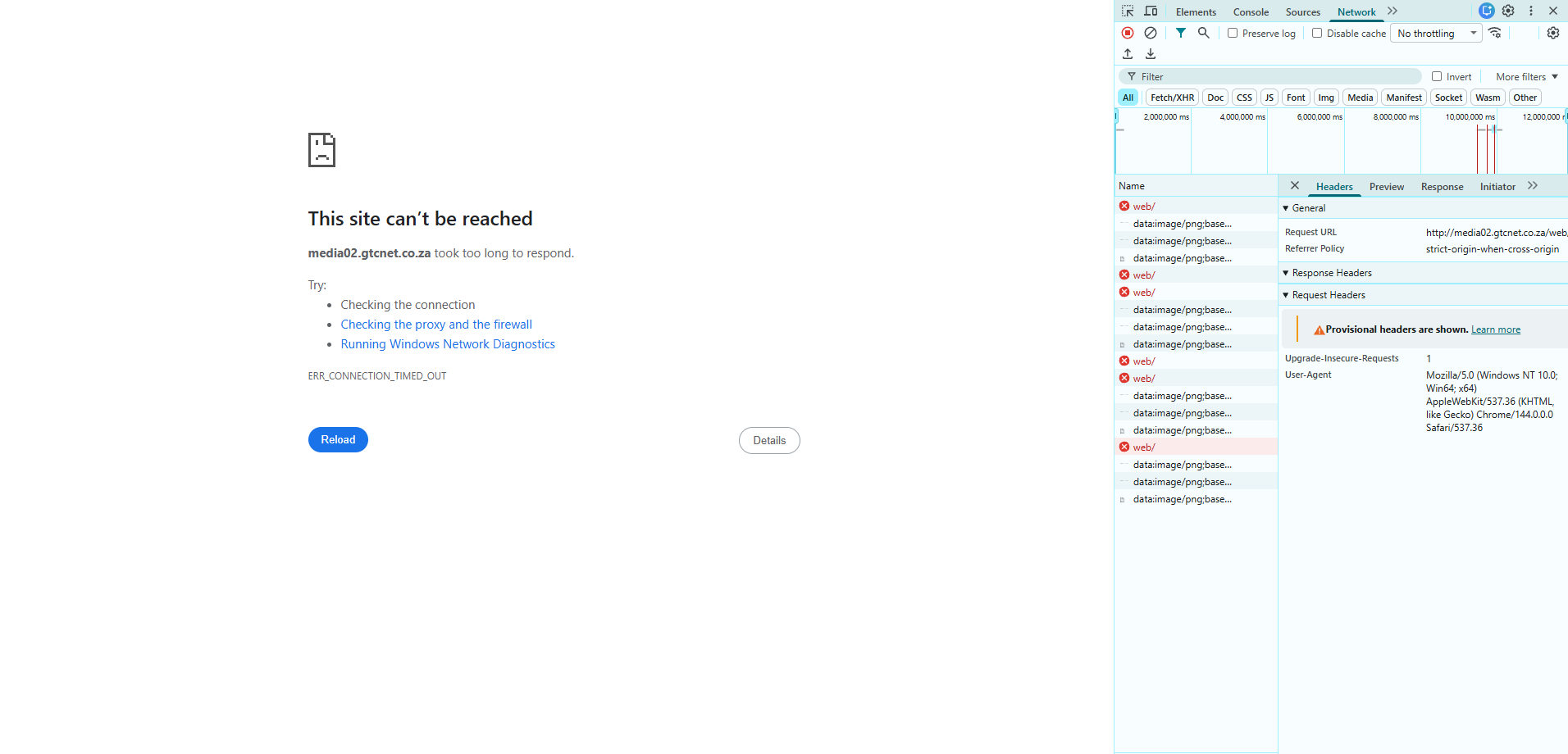
I have been struggling with this issue for about 3 days now and its driving me nuts, I trying to get HAProxy to talk to an Ubuntu server on port 443 done a lot of research and on trying to resolve the issue and I know its probably something small that I’m not setting.
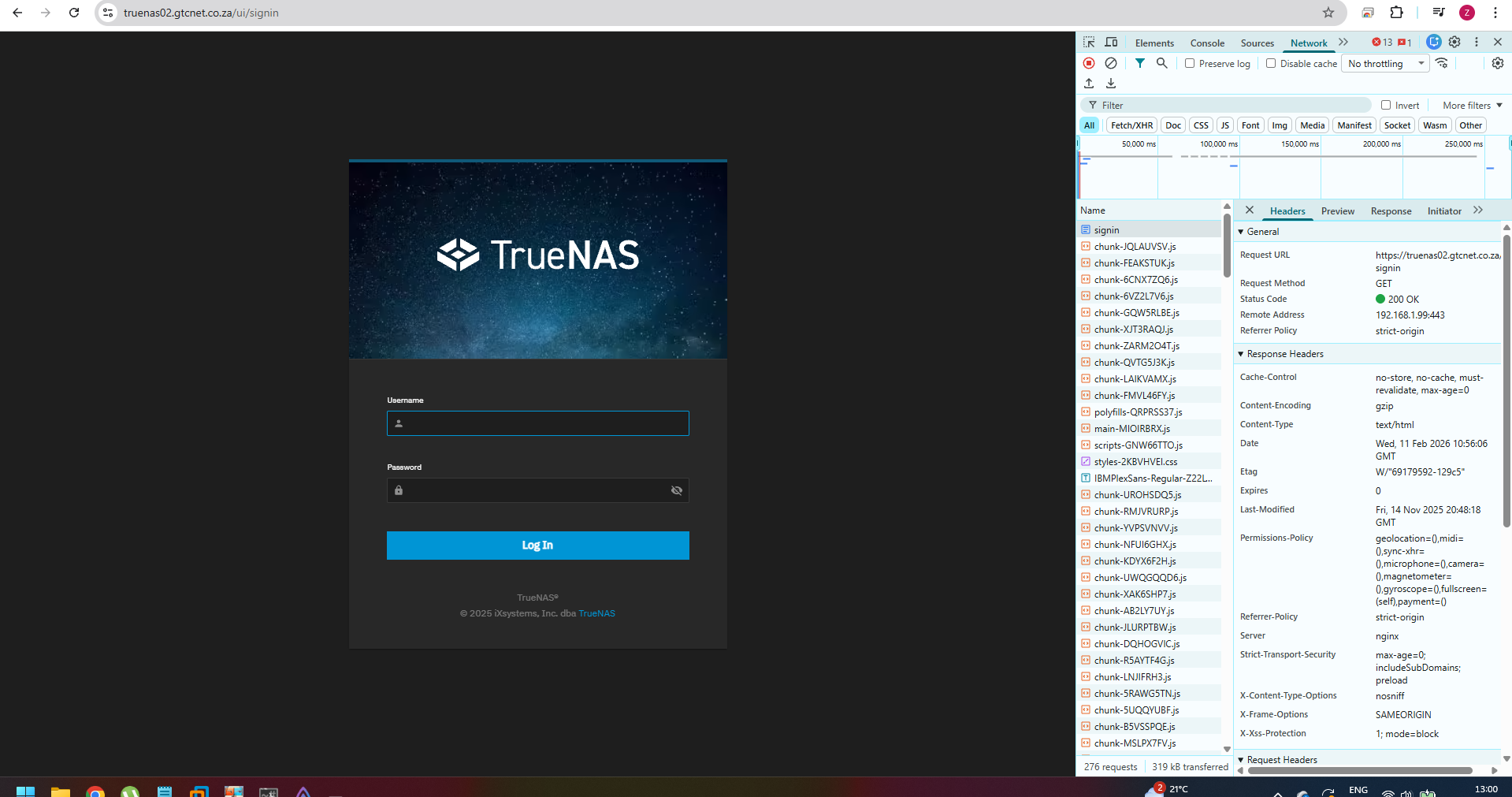
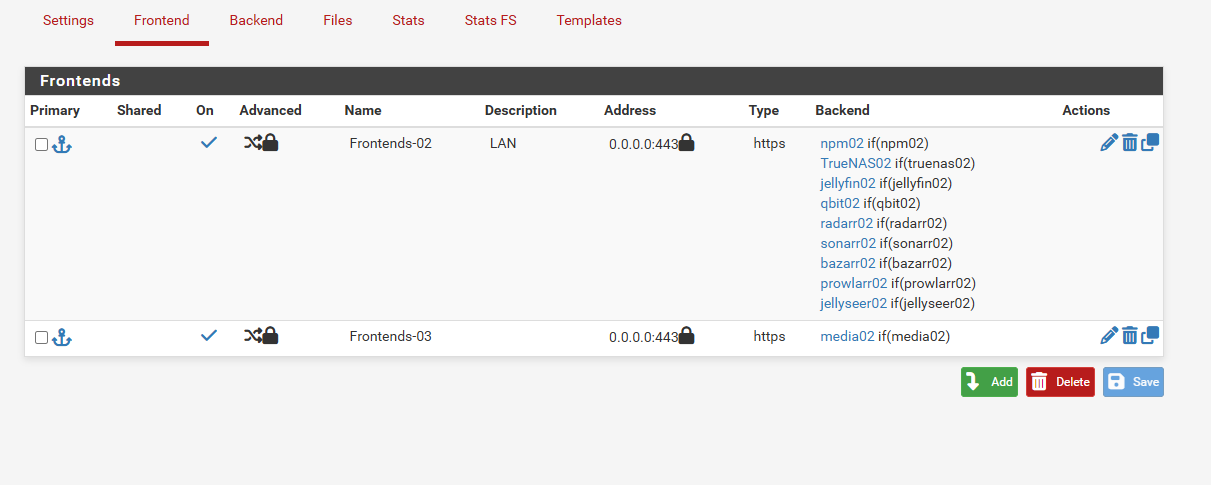
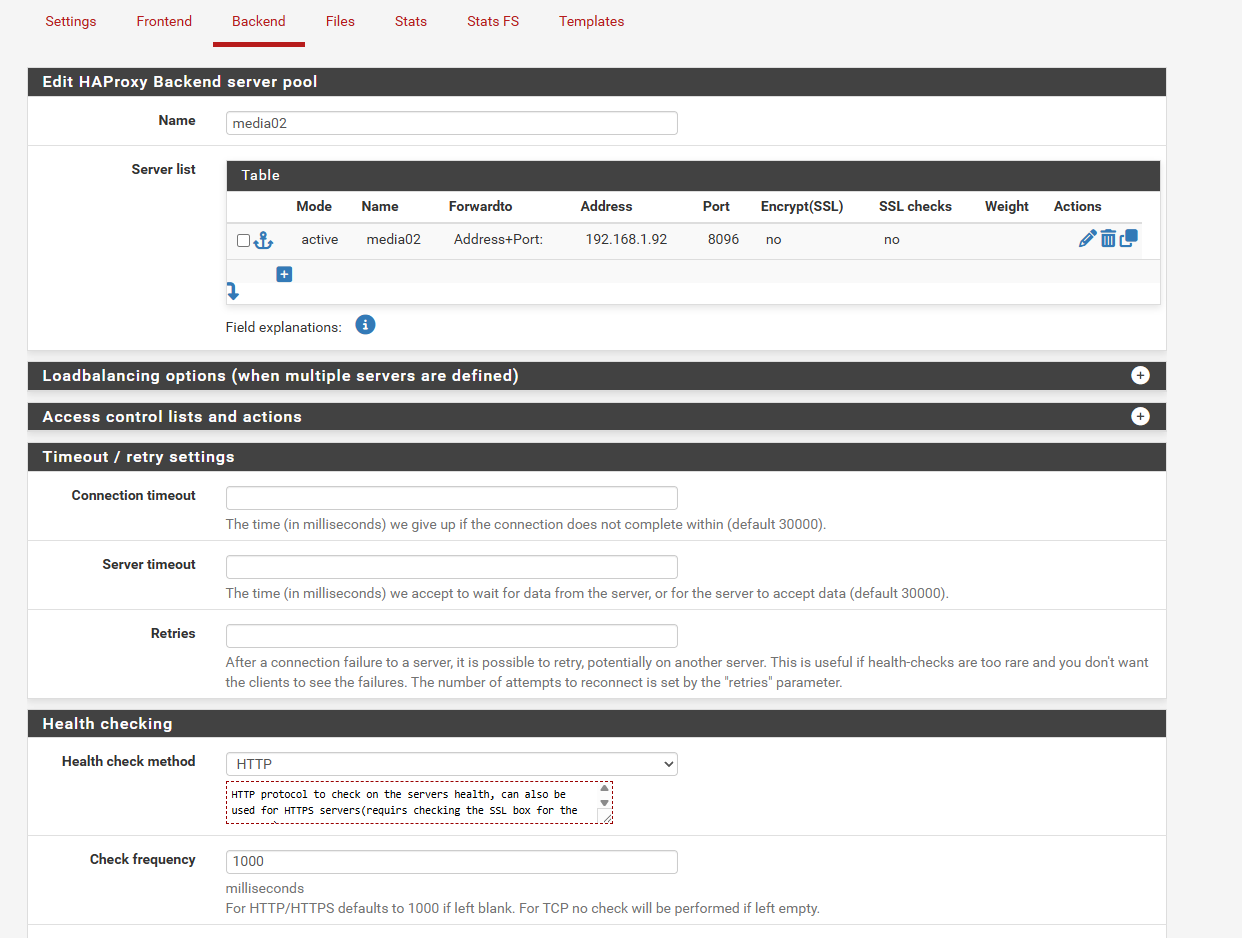
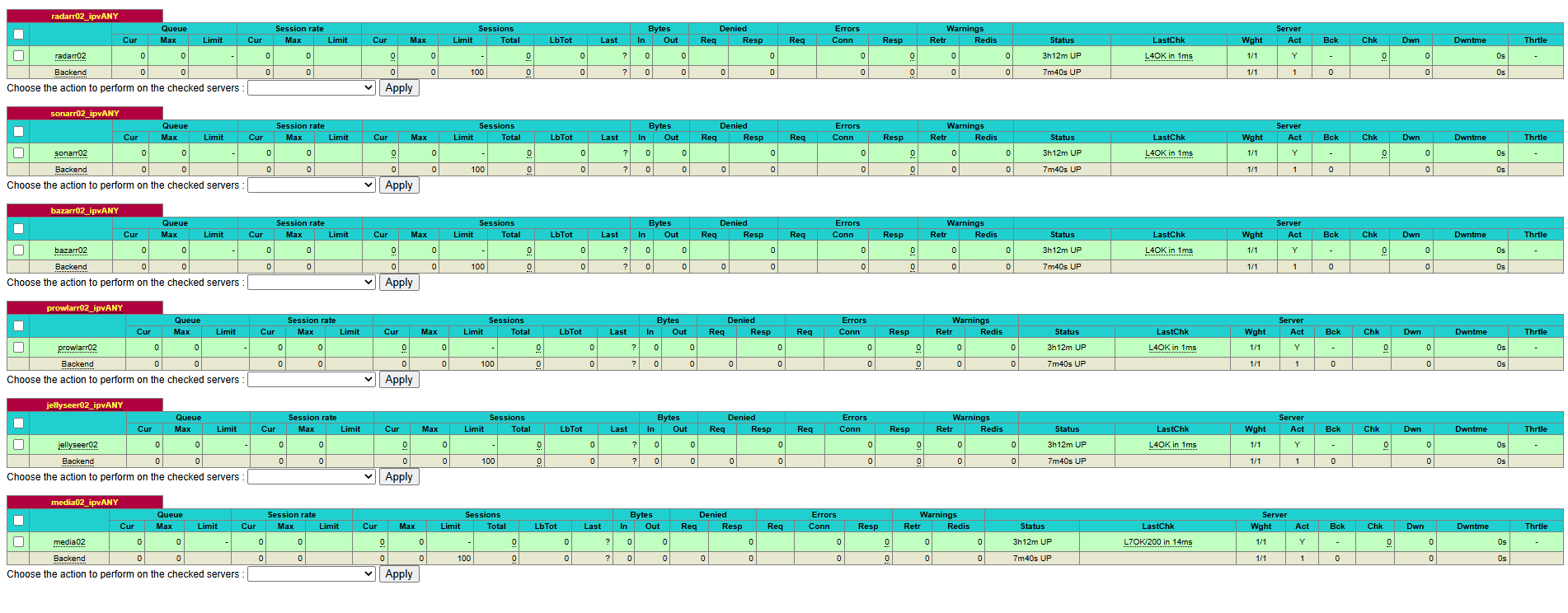
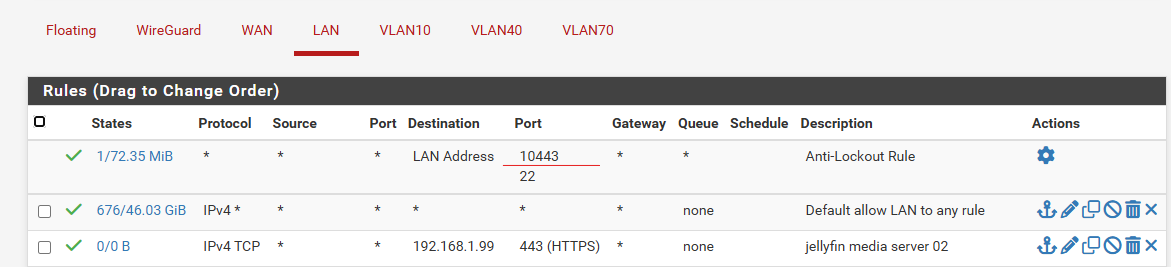
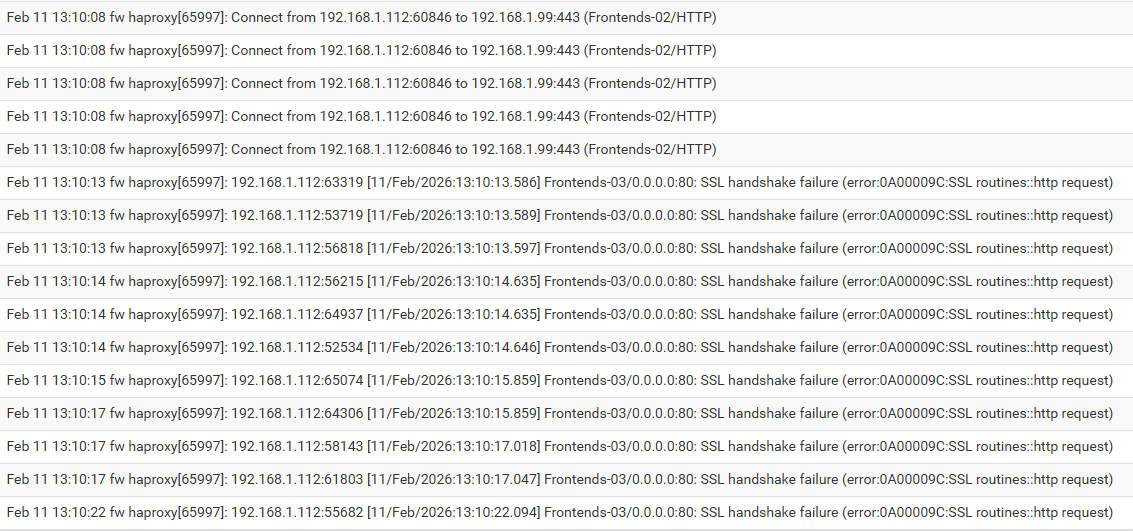
So I created a VIP for HAProxy and set all correct parameters around DNS resolver IP inside HAProxy backend configuration is correct verified it quite a few times, then in the frontend when I set it to port 443 and ssl offloading set the acl and actions correctly, set my ACME cert and additional internal cert which has a Root CA and Intermediate CA, I am not able to get to the site internally since I want it transverse my internal network first for testing before setting up Cloudflare and this is from any device even incognito window in chrome as well as different browsers, the moment I set the port to ‘80’ untick ssl offloading and refresh the site works everywhere loads correctly, tried setting it to port 443 without ssl offloading it stops working changes certificates around to use only internal cert and to use only acme cert still doesn’t work. I then went further digging around to adjust settings and a LAN Firewall rule to the VIP of HAProxy for port 443 adjusted health check from none to basic to http and vice versa on the STATS FS I continually get L7OK200, whether it is on port 80 or port 443 checked the logs I can see my machine IP going to the VIP on port 80 but there is no log information for port 443 when I refresh, I took it another step further I have a TrueNAS server running with NPM(nginx proxy manager) which also has the internal cert issued by pfSense that works fine I then disabled it in NPM and pointed everything to the VIP of HAProxy including adding the ACME cert and the internal cert port 443 with ssl offloading that works, but the Ubuntu Server doesn’t changed it back to port 80 with ssl offloading Ubuntu server works and TrueNAS server doesn’t work. I am literally at a loss and I know it might be something so small that I’m overlooking
Please if anyone has a solution it would be greatly appreciated, I can drop screenshots if requested don’t want to just drop images of everything if it isn’t needed
I have this guide here that goes over all the setting for HAProxy but I have not tried it using a VIP, I just used an IP assigned to the pfsense. Also be sure to change the port that the pfense web interface is on.
I also have this guide covering how SSL and DNS work together.
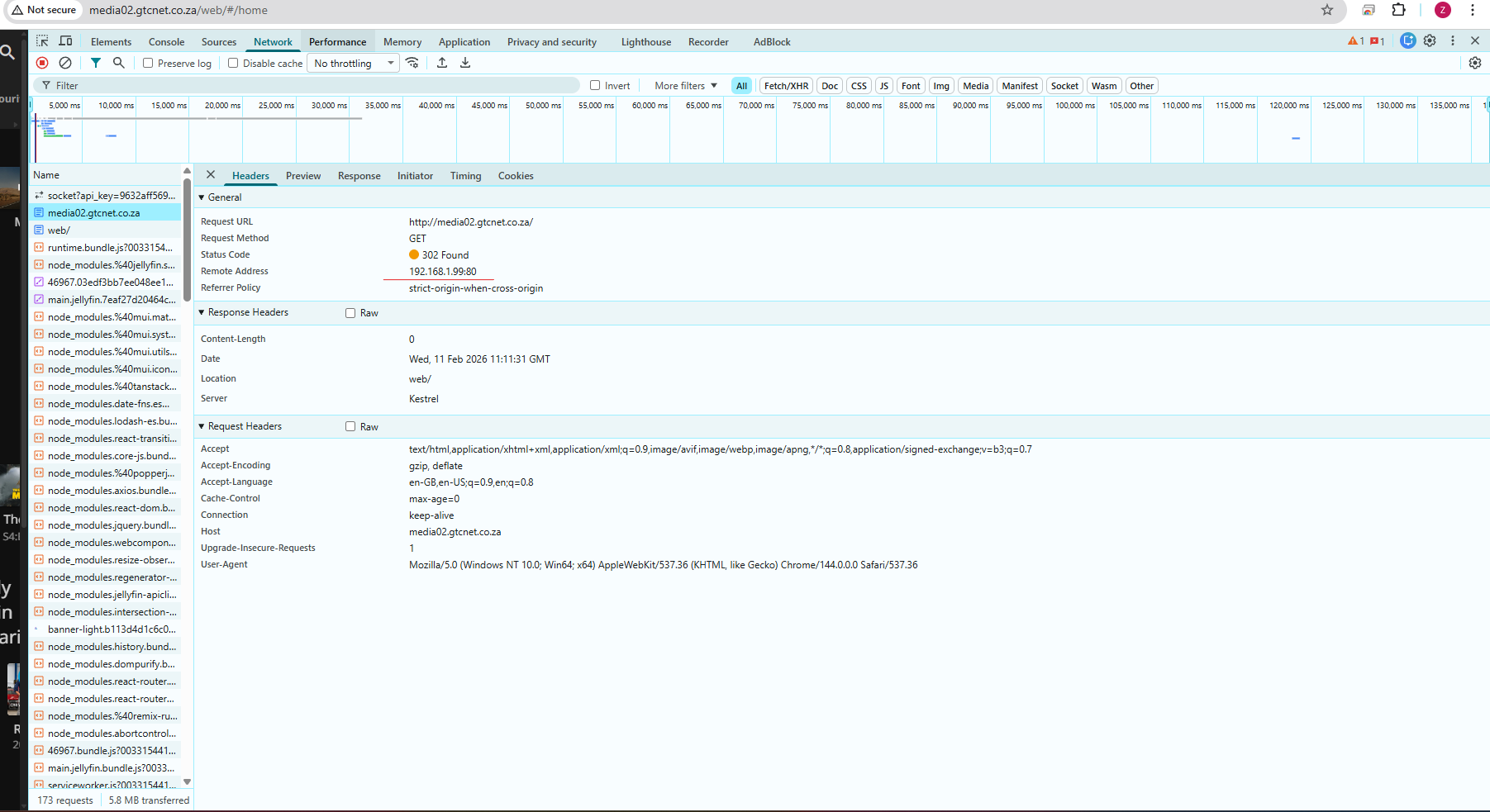
Thanks for your response I went through the content again as before and still coming up short I have attached screenshots maybe I’m missing something that is not jump out at me which could be the cause, once again thank you for the assistance.
apologies forgot to mention when I change it to port 80 with ssl offloading on it fails as well but then at least I get logs removing ssl offloading as stated then I can get to the site again internally
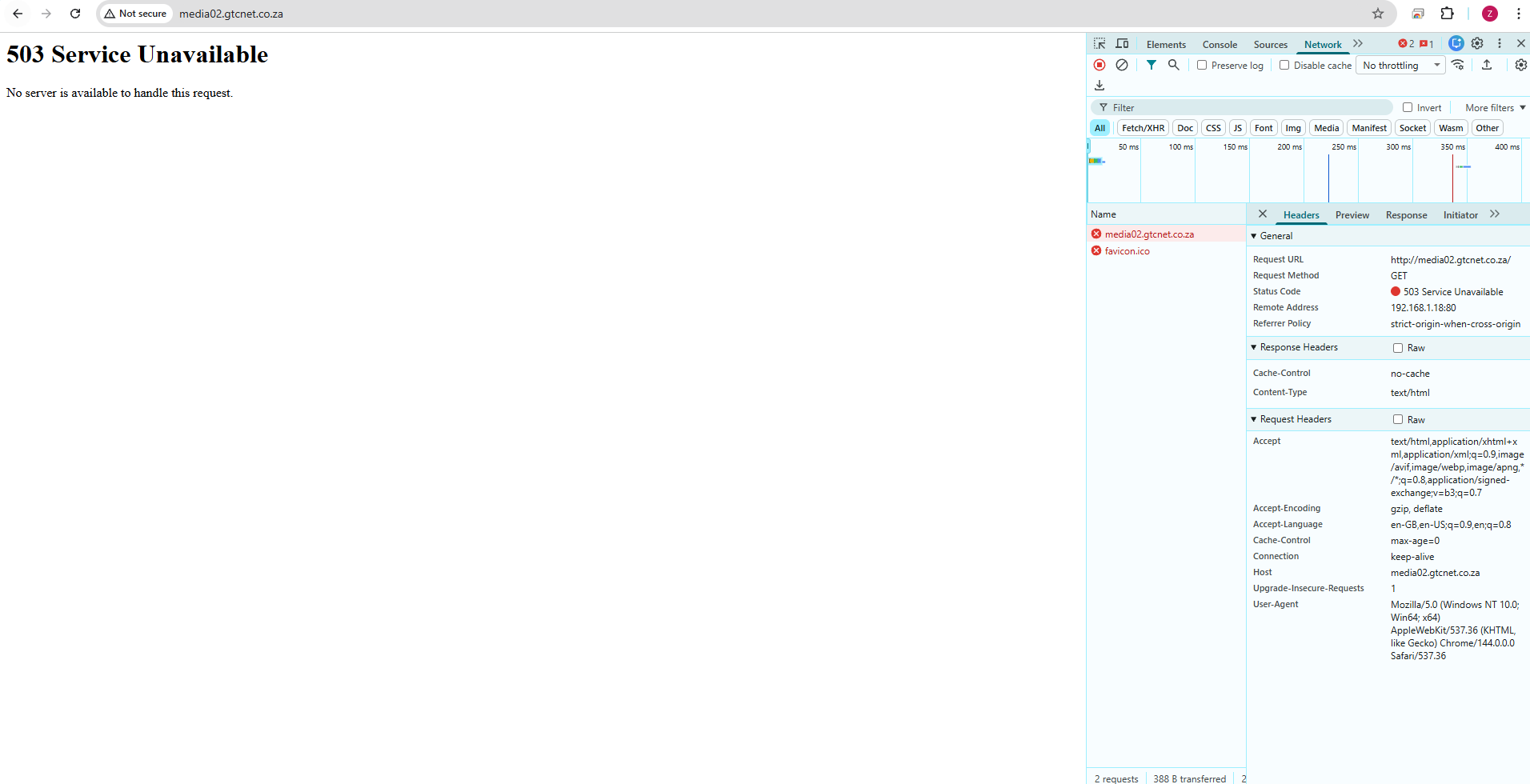
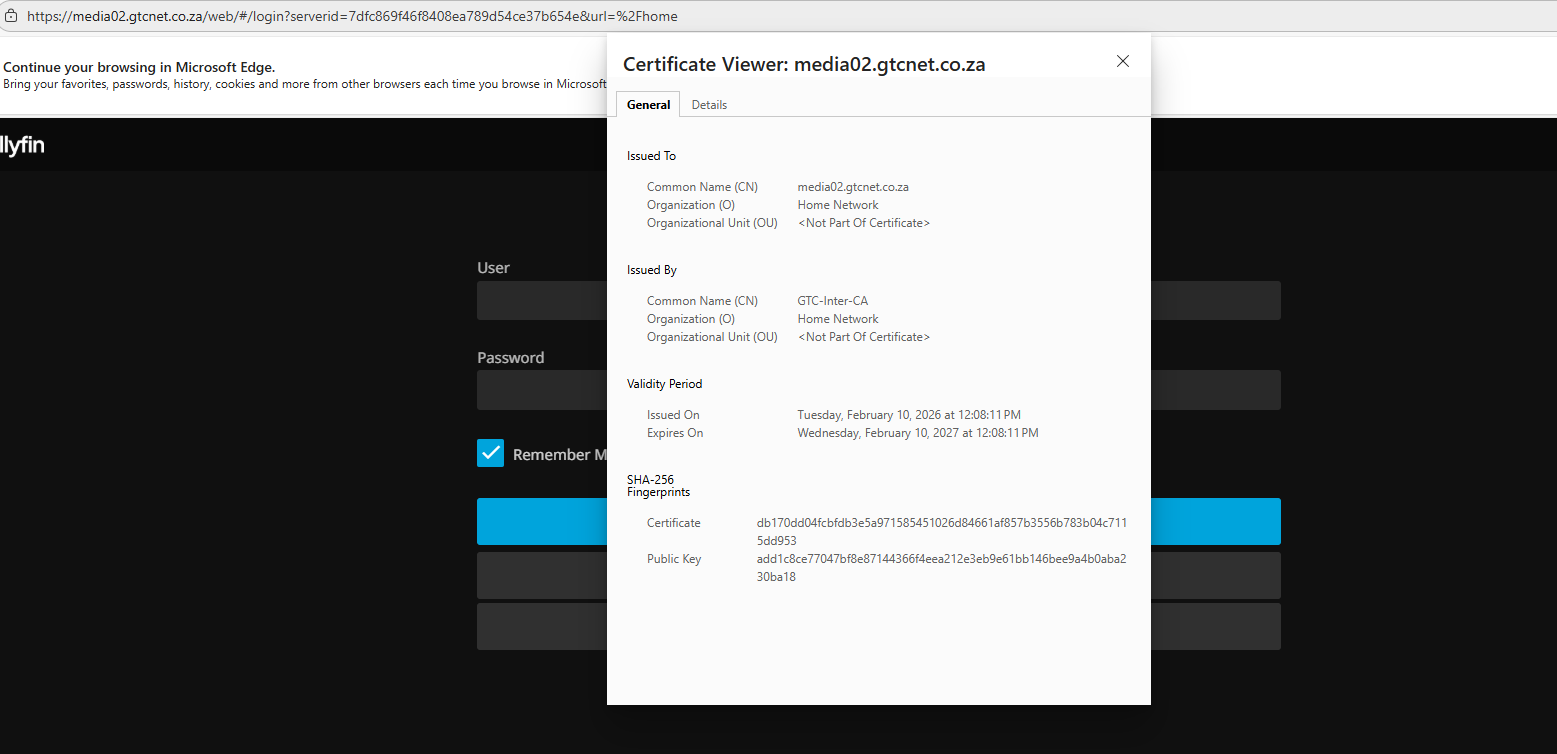
okay so I created a new vm with ubuntu and haproxy is on there I done the config it works on port 80 but getting proper errors now 503 when trying to access via http installed my self signed cert, root and inter ca so it should work on https since my pc trust the root and inter ca
TLSv1.3 (OUT), TLS alert, close notify (256):
curl: (60) SSL: no alternative certificate subject name matches target host name ‘192.168.1.18’
More details here: curl - SSL CA Certificates
Security Warning: Script Execution Risk
Invoke-WebRequest parses the content of the web page. Script code in the web page might be run when the page is
parsed.
RECOMMENDED ACTION:
Use the -UseBasicParsing switch to avoid script code execution.
Do you want to continue?
[Y] Yes [A] Yes to All [N] No [L] No to All [S] Suspend [?] Help (default is “N”): a
fixed the problem tunes out there was a caching issue on the browsers I was using cleared all cache and its working thanks Tom for the support and assistance