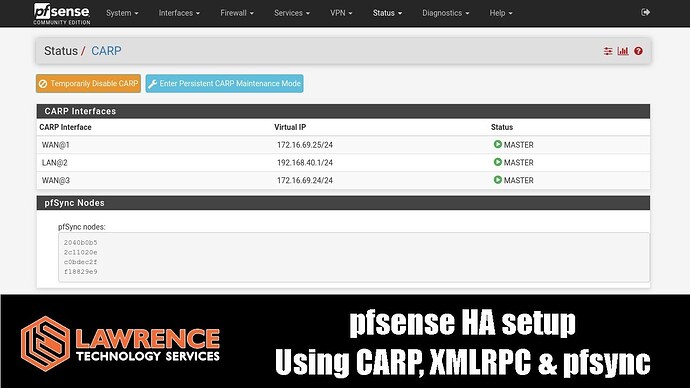
I am planning to set up high availability (HA) for a production site that is currently running on a single 6100.
At the moment, I have around 12 VLANs configured to serve different types of networks. The rest of my network is running on UniFi, with the controller hosted on a Proxmox VM.
From what I’ve read and heard, HA setups typically require two public IPs. I do have a pool of public IPs, but there’s a limitation: my ISP provides an Aruba modem/switch with only one usable port. Because of this, I cannot connect a second 6100 directly to it to obtain a public IP.
That said, my main requirement is not full internet redundancy. Even if the primary 6100 fails, I mainly need the local network to remain operational. For example, we have UniFi camera systems that require a gateway to continue recording. Similarly, we run a TV display server that needs the network to stay up to display content—even if the internet connection is down.
In case of failure of the primary 6100, it would also be acceptable for someone to manually move the internet cable from the primary unit to the backup unit.
Given these requirements, could anyone guide me on how to design and configure this type of setup?