I have a weird (possibly) power related issue with our HPE Server. Last 3-4 days it did it 2x. Randomly turns off the server and the iLO is unreachable. When I check it, the 2x PSU light is on, but I can’t turn it on.
After unplugging both cables (I tried with one only), the server restarts.
Proxmox has no information or log info about an OS triggered restart
today I updated everything with the latest SPP + BIOS to v4.02.
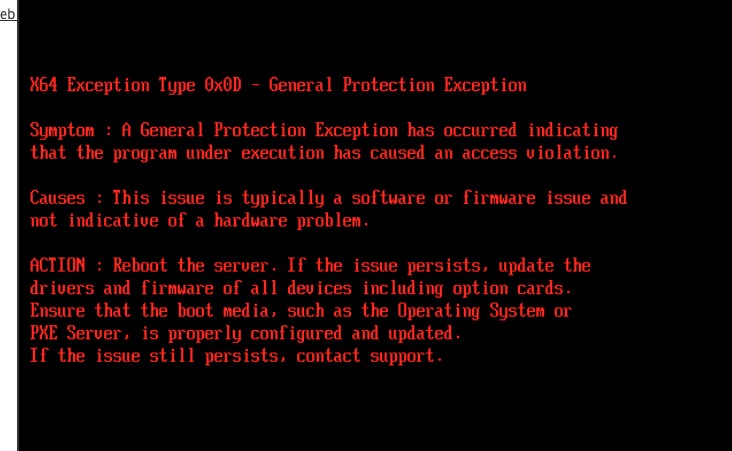
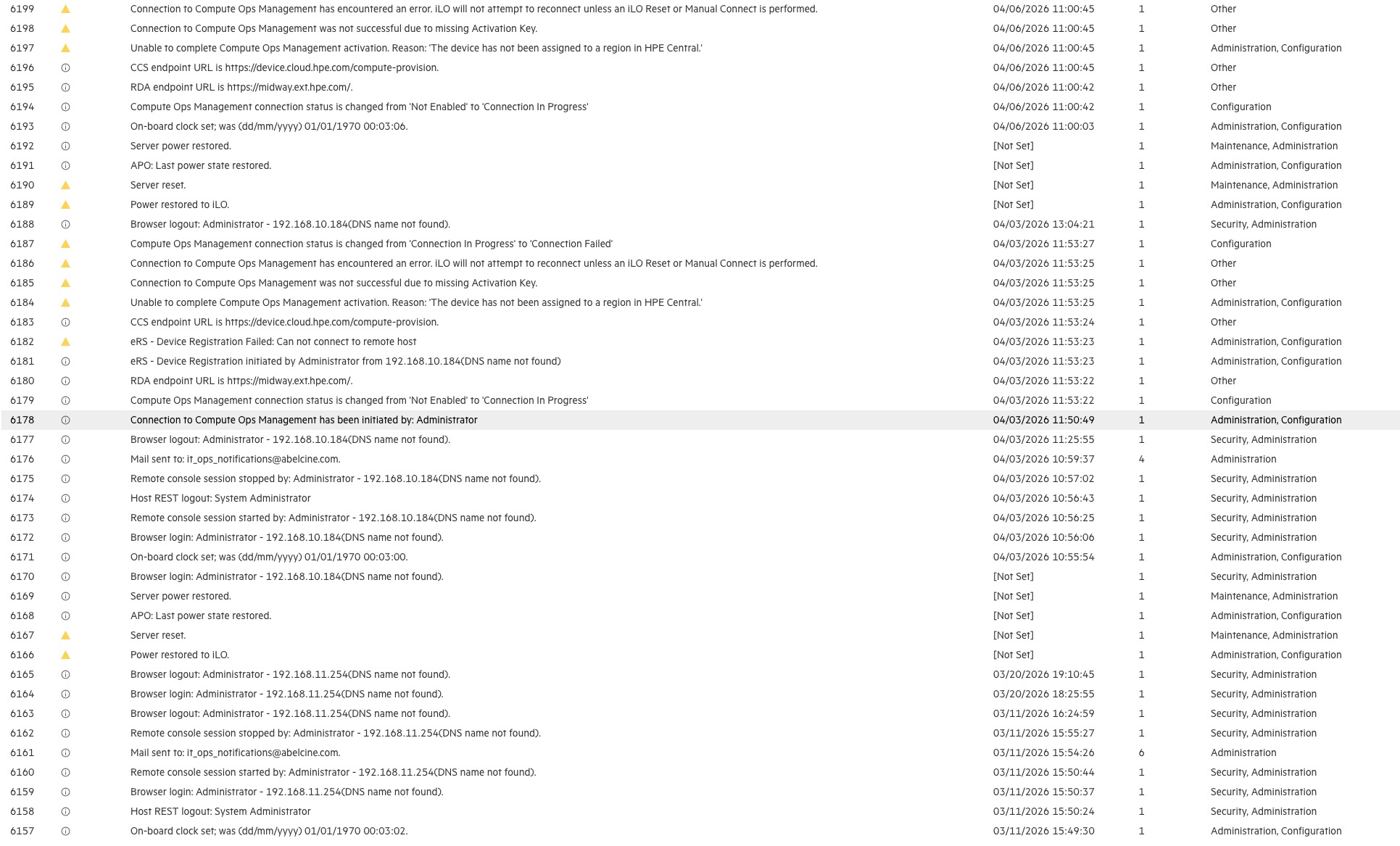
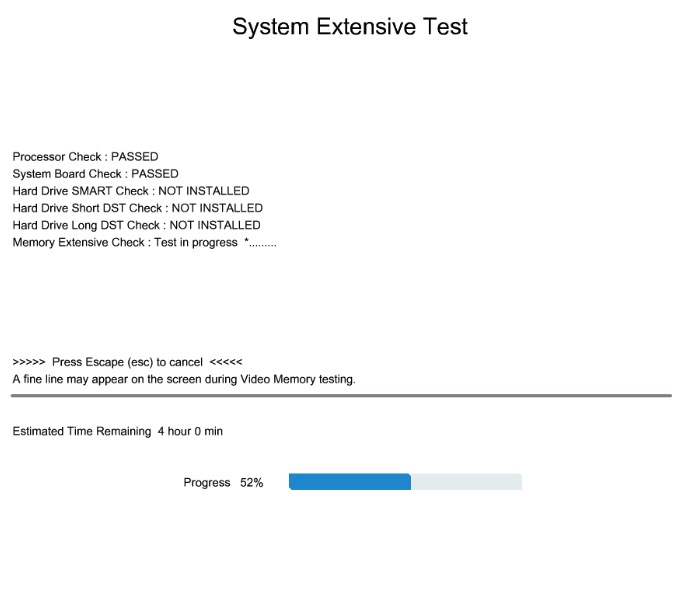
iLO has the following log, but nothing useful. When I try to run Hardware diagnostics, I got this error. (No matter if I run it from the BIOS or Intelligent Provisioning)
Do you have HP SmartMemory? Is the heat sink compond still good on the CPUs? Might be something there. Check iLO for the heat level, etc. Might be a dead end, though…
I have original, certified memory modules. They all report ok in iLO.
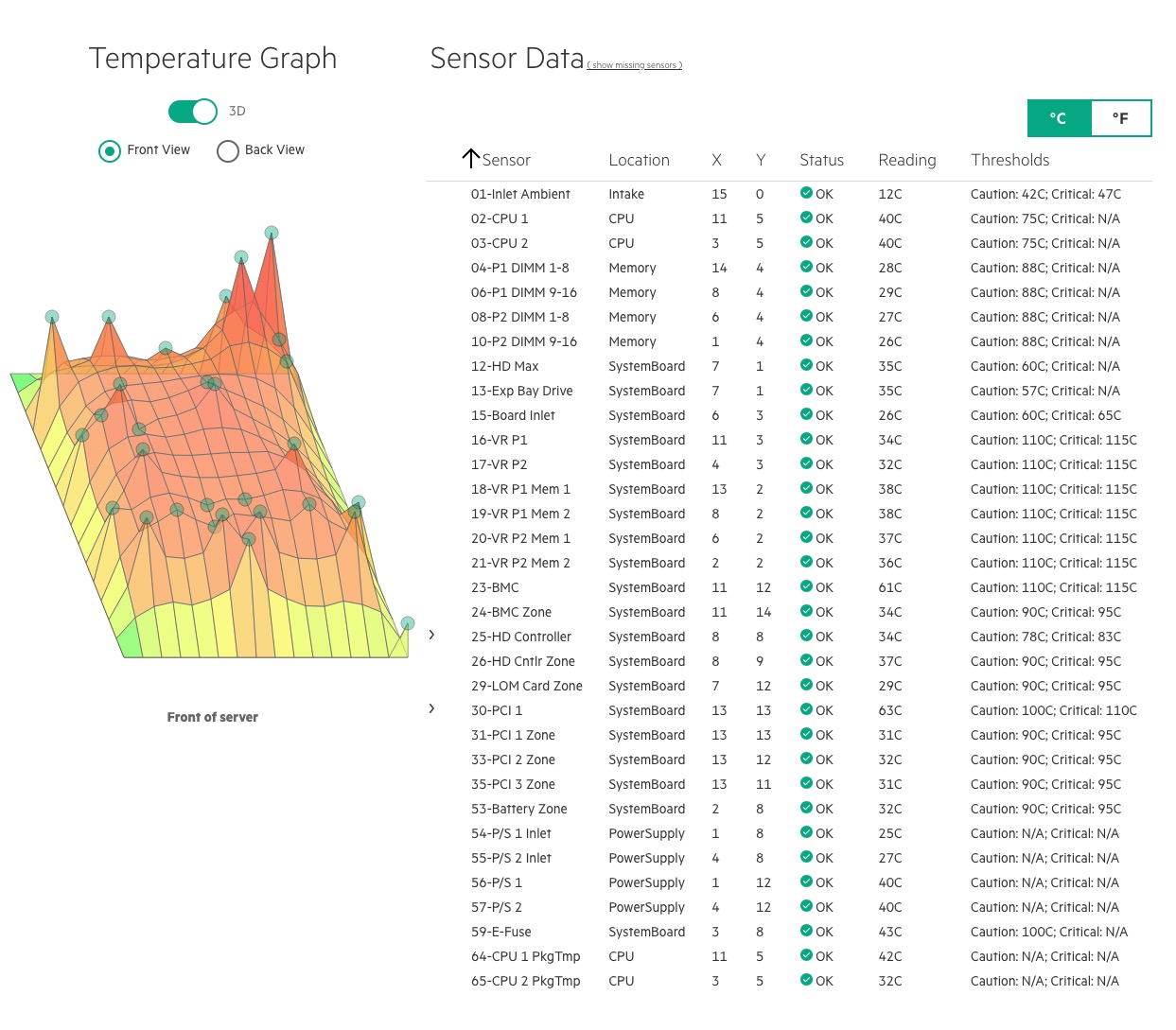
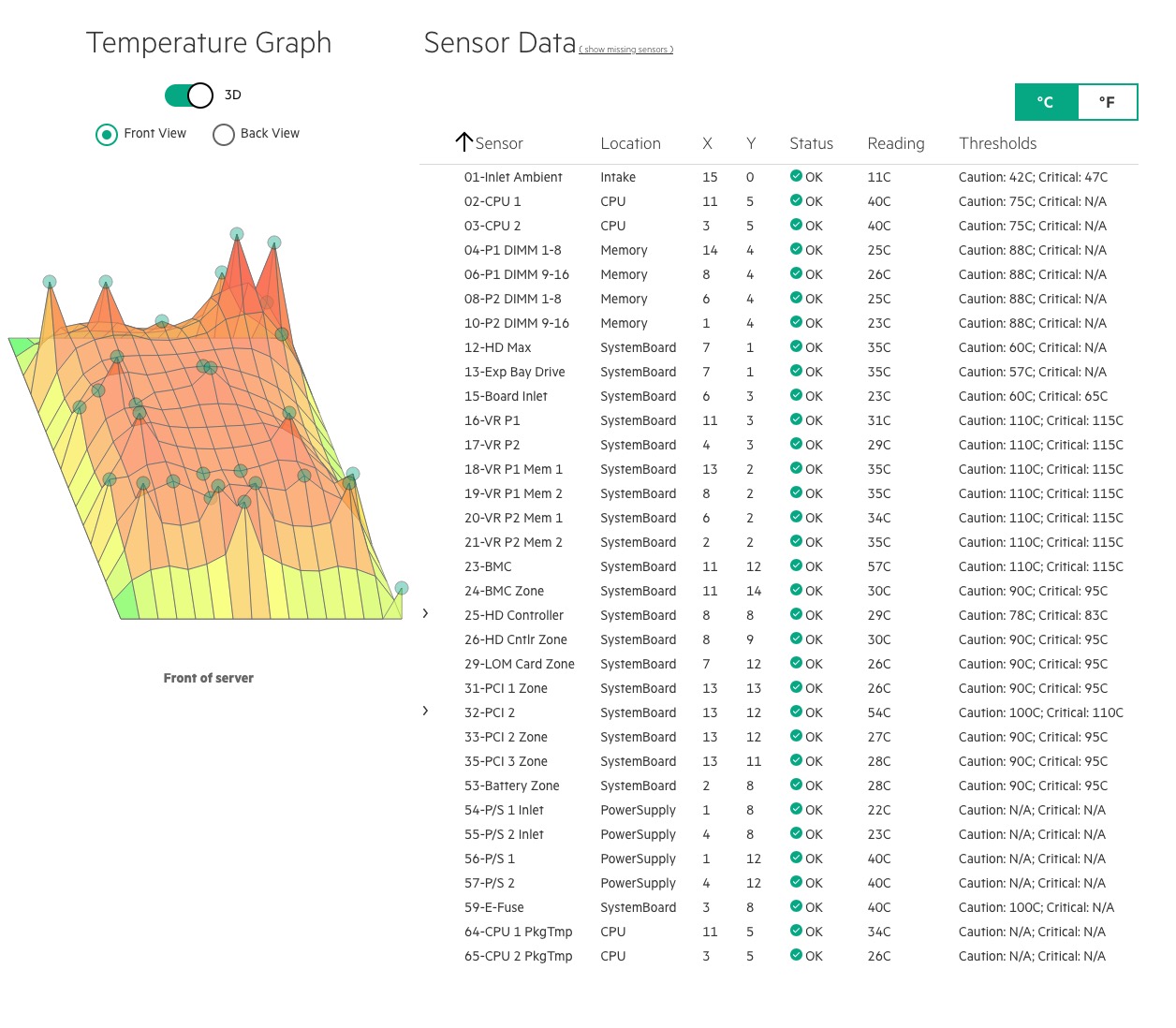
Regarding to the temperature, I don’t see any unusual high spots. I found a loos paper (just the small serial number sticker) and I changed the RTC battery just in case. (It was 3.11 V, the new has 3.2 V that should not be the problem.)
I was thinking about that. I did some tests, pushing the CPU to 50-60%, doing fio on the 10Gb card, but nothing happened.
I will do another attempt today, when I can observe it in person.
Pushing it for 20 minutes, only changed 67 to 73 C
Support said, I should start with minimal config (1 RAM stick / CPU) and remove everything. Gradually add back devices. (But I didn’t see the problem since Monday).
I removed all drives and I was able to start the built in diagnostic tool from the BIOS.
Which indicates that something is not OK with the Proxmox Install
Yes, I tried. But still didn’t allow me to run the test.
However I was running it for a week and no issues. Probably the firmware update solved it. Even support was unable to tell me why. They just gave me the: “remove everything and gradually add back hardware” solution.
I agree, but I did all of that. For $310/hour I would expect that they check the logs in detail.
Also the only thing that I was able to remove is the 10 GbE card and RAM modules, but because the issue didn’t happen immediately waiting weeks between RAM sticks is not too efficient.
As a troubleshooting step, I changed the 2x500W PSU to 2x800W and updated every firmware again. In a week, I got the same result.
Now I will leave the server on, no load. Next steps are removing every RAM stick except one and the one addition (PCIe NIC).