I’ve been trying to get HAProxy configured to allow access to internal devices. I have docker and portainer running at 10.10.0.10. There are 2 containers running:
NextCloud listening on port 443,
Vaultwarden listening on port 80 (but although it loads ok when you access it via port 80, I get an error message when I try to login to it. The error tells me that “HTTPS is required to use this service”)
I was able to get Vaultwarden working with HAProxy but not NextCloud.
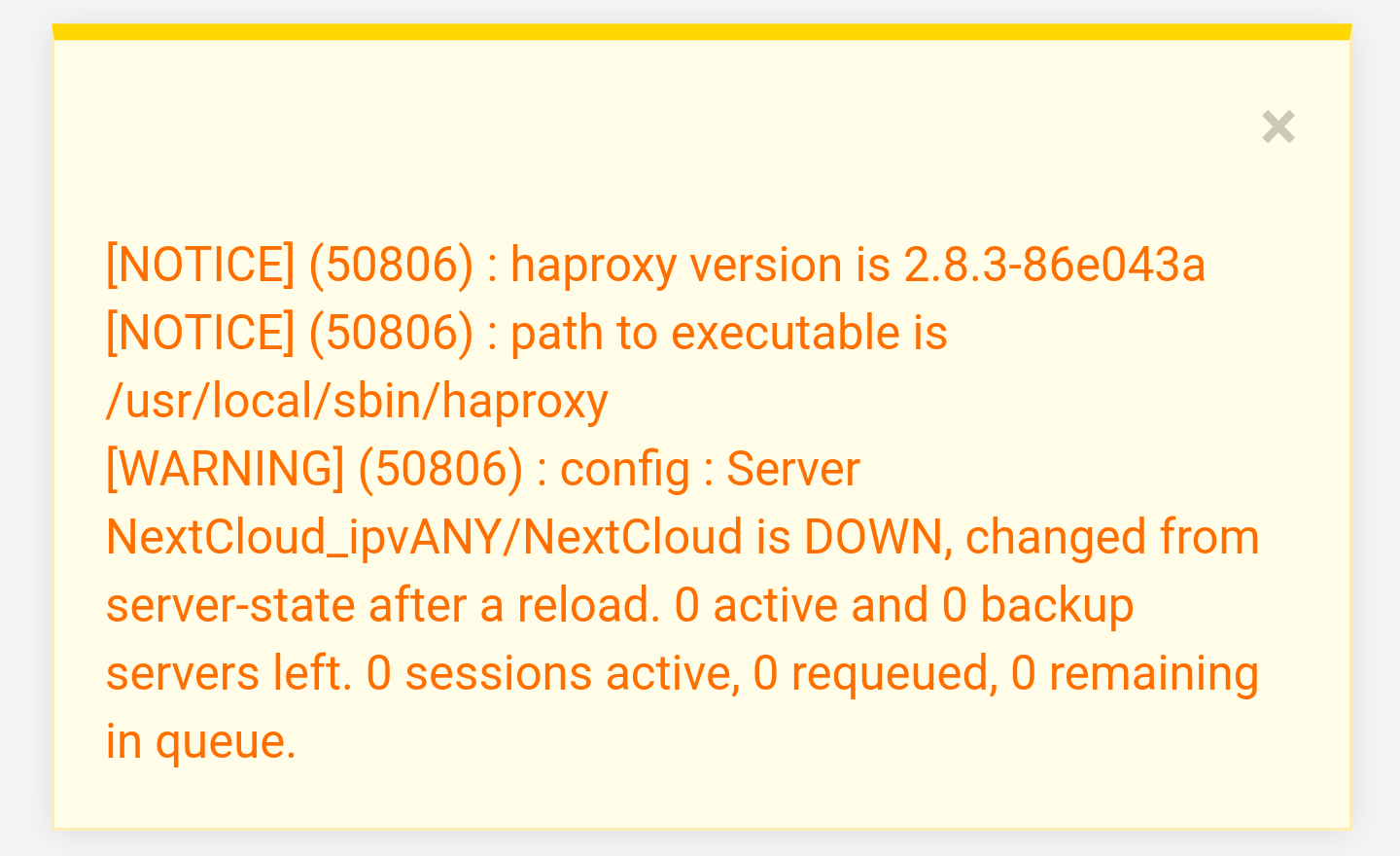
When any changes are made to either backend and then upon pressing “Apply changes”, I get the following error message. What does this mean?
It says the server is down. But if I browse to the IP Address of the host along with the port number, it loads fine but just tells me it’s not secure.
The error doesn’t mean the server itself is down. It means it can no longer reach it with your current configuration. Either the server is rejecting the proxied traffic or your haproxy configuration isn’t correct.
Ok. Thanks. As far as HAProxy configuration goes, it’s configured the same as vaultwarden (another container on the same docker host) that’s working fine.
When I browse to https://nc.home.mydomain.com, the browser gives 503 error telling me there’s no server but tells me I have a secure connection. So I’m inclined to think it’s an issue with the backend.
The front end is what tells it about the certificate. So if the front end was having issues, it wouldn’t indicate that it was secure. Am I on the right track?
I think I confirmed my suspicion that the issue is with the backend. I changed the front end so that nc.home.mydomain.com points at the vaultwarden backend and the page loaded fine. I changed it back to using the nextcloud backend and it failed again.
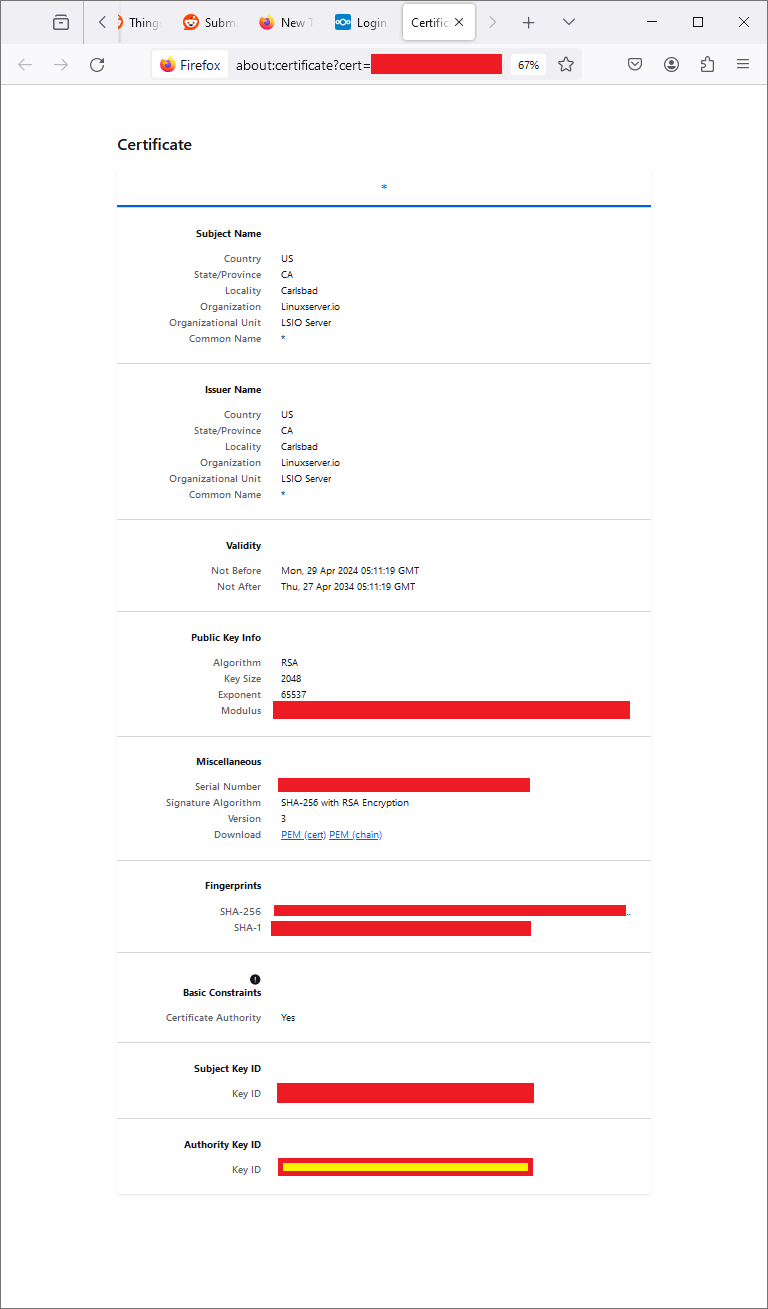
I went to the ip address and port that NC uses and checked the error about not being secure. It indicates that it DOES have a certificate (shown below) but the website “does not provide ownership information”. That sounds like it’s just a self-signed certificate.
But I thought HA didn’t have an issue with self-signed certs.
Thanks for that! I thought the issue was in how I was configuring the backend and have been focused on finding THAT issue. The thought that it might be a issue with NC never crossed my mind.
The configuration info doesn’t match the format of NC’s config file. So I asked in the NC forum on Reddit. I was told that’s a setting for HAProxy. I wasn’t sure where in HAProxy to put it so I asked on the HAProxy forum on Reddit.
That response is:
That is only for discovery. You shouldn’t need that to access the NextCloud webUI. You must have something else configured incorrectly in pfsense. I recommend you ask on a pfsense forum. This is not related to HAProxy.
So now I’m totally confused. I saw three potential places to put this code.
My first guess would be to include it in the settings for the NC backend. But under NC Backend > Advanced Settings, I see what looks like two potential places to put it – Per Server Pass-Thru or Backend Pass-Thru.
My second guess is under the HAProxy Settings (general settings for HAProxy), I see a pass-thru there too.