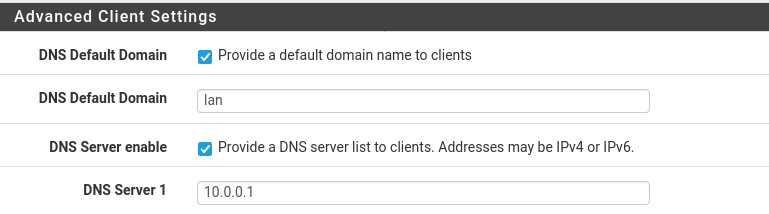
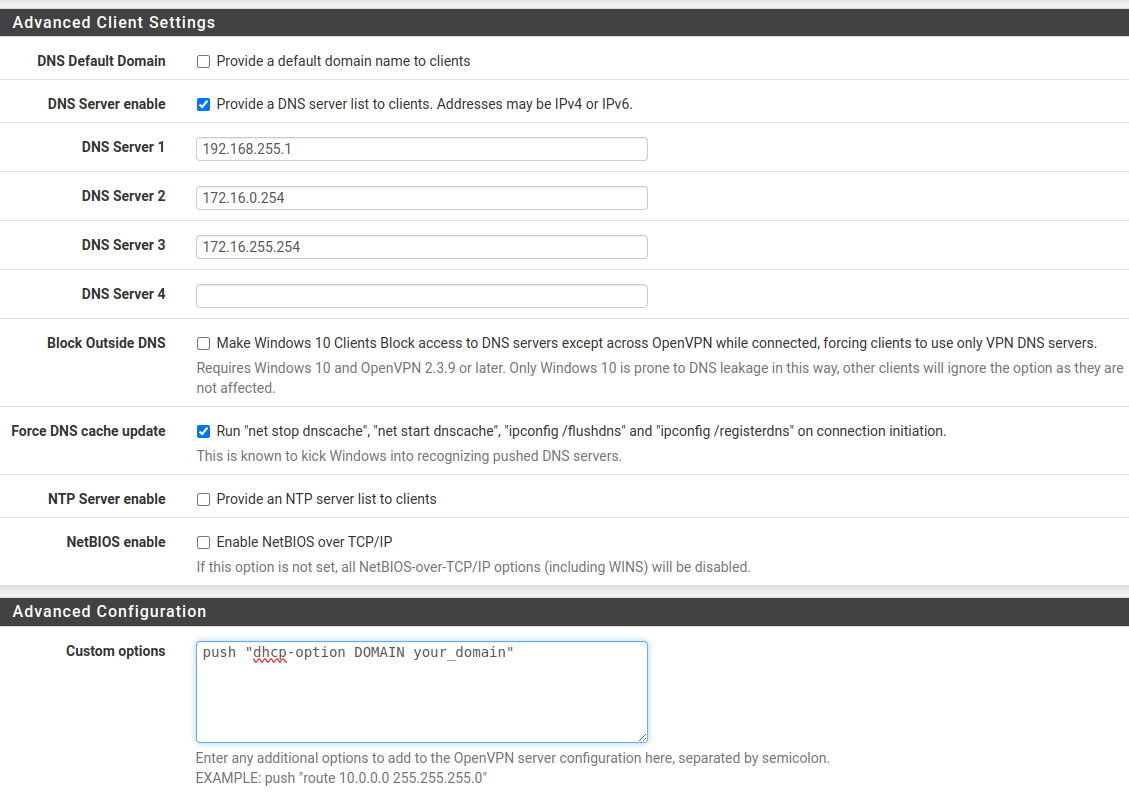
Both are unselected and ping between the hosts inside the LAN with hostname is good.
But openVPN ping to the hostname is still not available. Do I need to change advance settings in the openVPN?
DNS Default ->  DomainProvide a default domain name to clients
DNS Server enable -> Provide a DNS server list to clients. Addresses may be IPv4 or IPv6.
Let me describe a sample network … your LAN is 10.0.0.1/24, there are clients that have 10.0.0.20, .30, .40 static. OpenVPN is configured, you did not mention the tunnel ip, lets say it is 10.0.30.2 (has to be outside the LAN net)
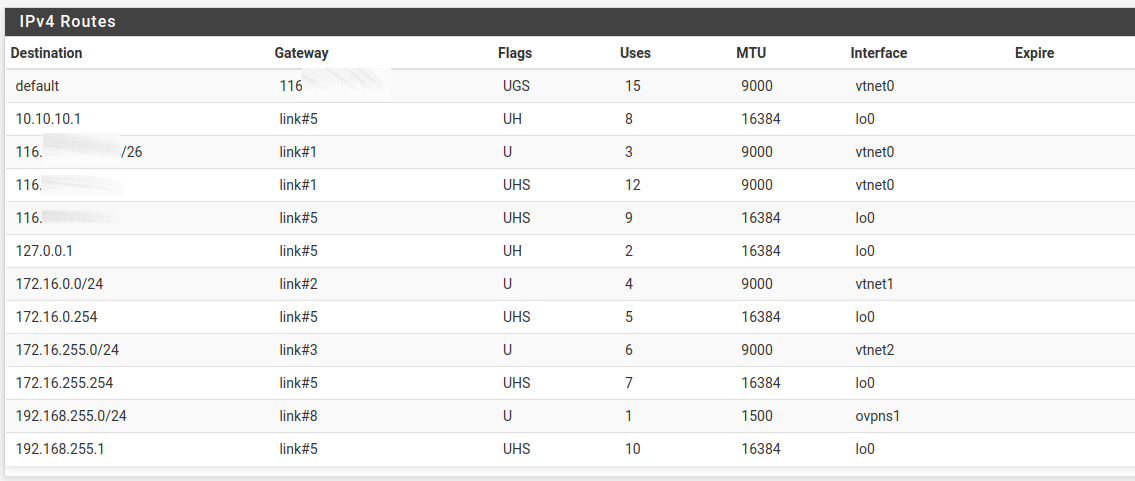
You’re in the office, vpn to your home, you should see the tunnel ip in ifconfig but pinging 10.0.0.20 does not work. Can you paste the ipv4 Diagnostics > Routes (mask your public ip)
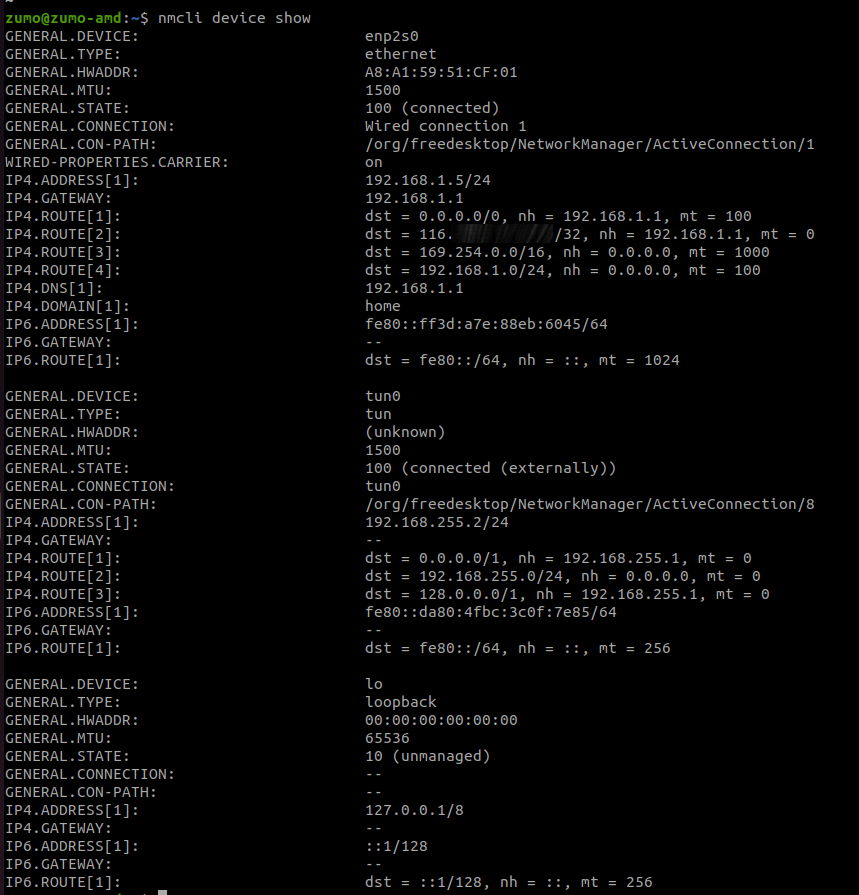
I did a tracepath on an Ubuntu and here is the thing. If I request for an IP it goes through the VPN, but if I request for the name it goes through my local network.
I got it to work. It was a challenge.
So when installing the openVPN in Linux there are couple of extra that are downloaded one of them is openvpn-systemd-resolved. This is what is used to updates the routes to the GW that are inserted in openVPN in pfSense.