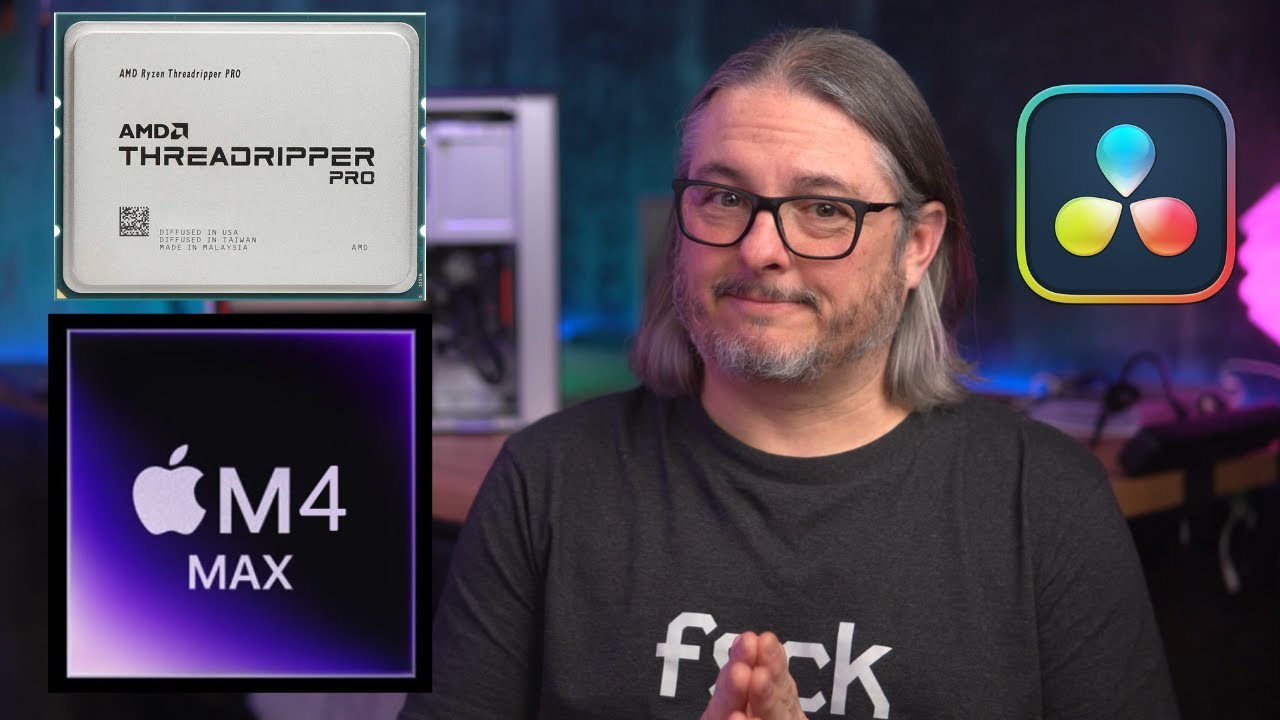
I’m wondering if Resolve isn’t using the A6000 card fully, would be interesting to see one of their recommended cards which might include an AMD. Would also be interesting to include Windows, but I’m guessing the Mac will be faster than most any combination of Windows.
Interesting Video Tom! I’d like to share some experience regarding Resolve as well.
Two years ago we did some testing editing and rendering 8K Arriraw in Davinci Resolve which is very resource intensive.
Originally we started out on Windows but got fed up with various issues with the 25Gb Networking etc., so we moved to RHEL.
Since we were able to cache the entire project in ZFS Arc and to some extent on the local machines (shared via NFS) the GPUs were the main bottleneck.
Moving to RHEL we saw a nice increase in utilization on the Dual 4090s, performance was measurably better than under Windows.
But at one point we decided to try out an AMD RX 7900 XTX for fun and found we could get faster render times with a single one of those cards running ROCm than with two 4090s running CUDA.
Entire System Power Consumption was also much lower of course.
We compared our stats to some other Resolve Users and our 4090s were not under-performing compared to what performance they were seeing.
Unfortunately ROCm Support in Resolve is pretty lackluster and not all features fully support it so we had to stay with Nvidia.
But it really illustrated how much the performance is down to software optimization rather than pure compute performance.
The optimization on Apple are very good. Also the video is full of people saying I should have compared the M4 to a more modern GPU but ignoring that any PC build with a modern GPU would cost far more.
This video even shows how a 4090 can’t beat a laptop running an M2 Max
I suspect shenanigans. The card should not be pegged for encoding files. The Ada generation of Nvenc chip does not support 4:2:2 encoding. It’s possible that DaVinci tried to encode or decode 4:2:2 and had to fallback to software. Or maybe the format being converted isn’t supported by the Nvenc or Nvdec chips.
 https://twitter.com/TomLawrenceTech
 Lawrence Systems's Amazon Page
 https://www.patreon.com/lawrencesystems