Obviously, this is the last question considering that I have everything set up in UniFi.
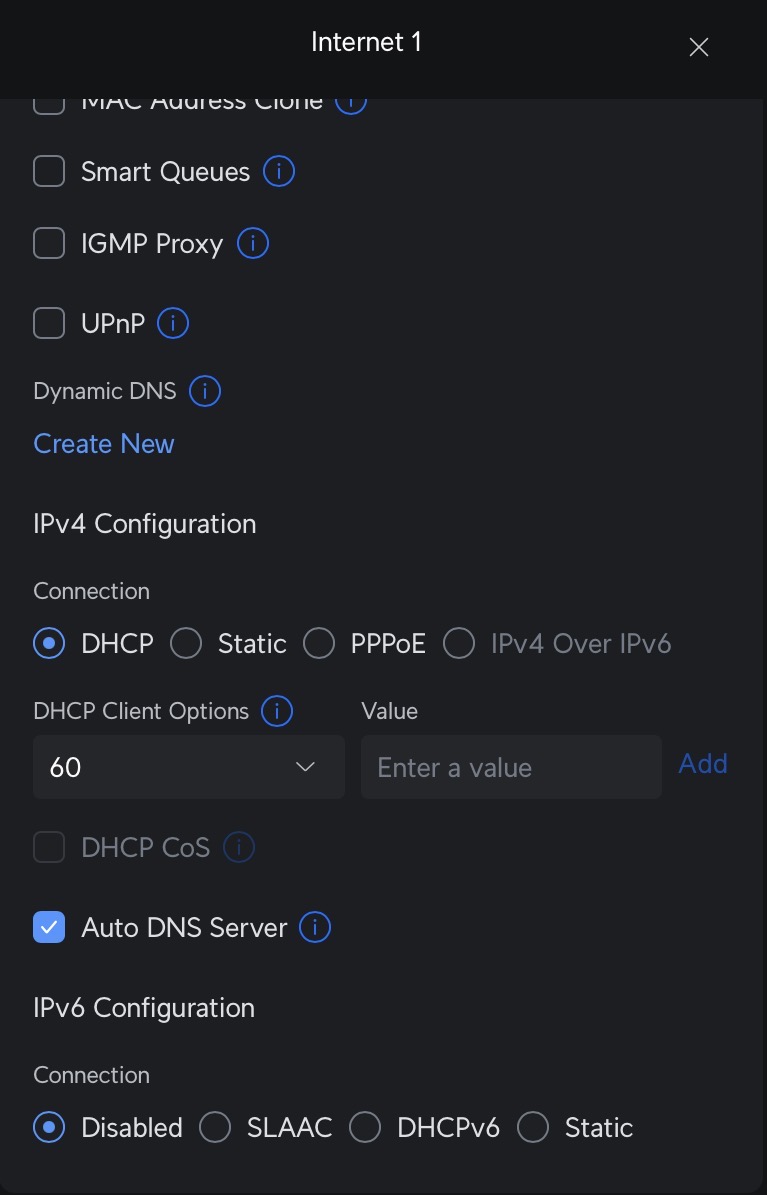
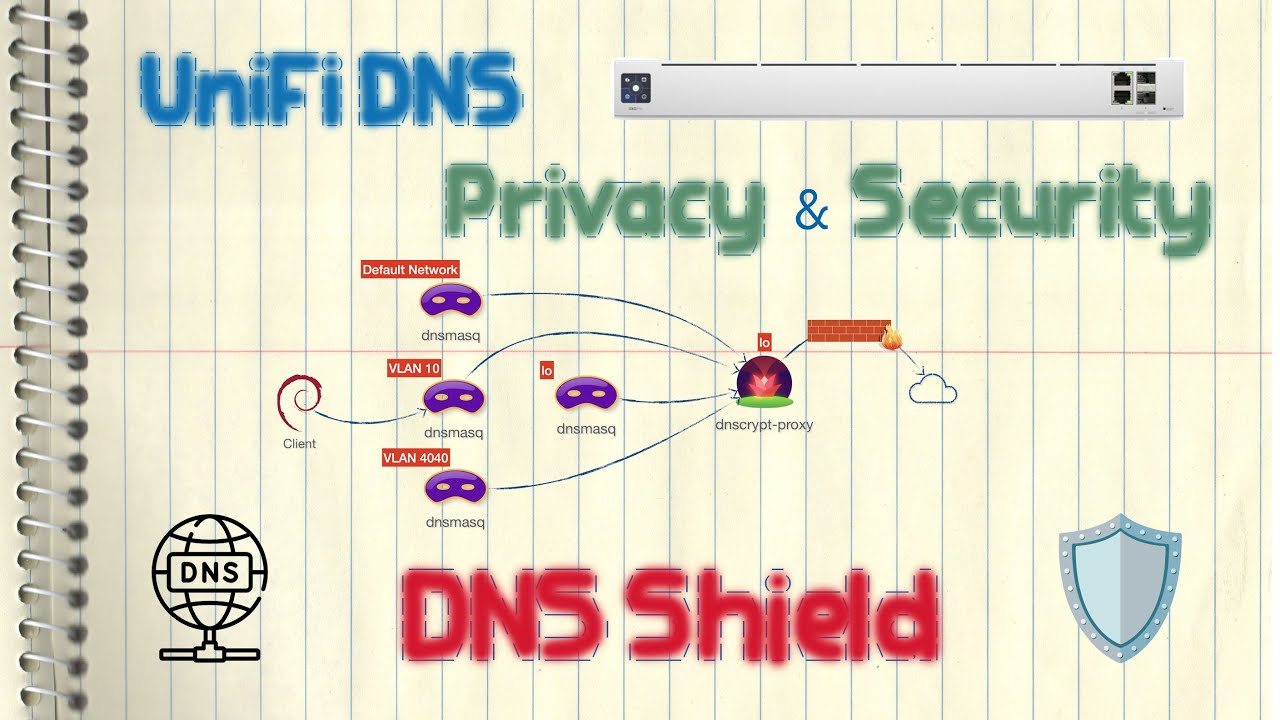
When I look at DNS Leak Test - BrowserLeaks , I see my ISP’s DNS servers and surprisingly Cloudflare DNS servers. I never added the Cloudflare servers! Is this feature built into UniFi OS?If so, how do I remove these servers? They are not located where DNS servers can be configured…
I understand how Private Relay works and it’s not related to my problem. When I turn on Private Relay, either Cloudflare or Akamai DNS servers are available.
When I disable Private Relay, Cloudflare servers reappear in addition to my ISP’s DNS servers.
I’m just guessing, and I don’t know if it’s technically possible, but when I first set up my UDR7, I had Private Relay turned on. Could UniFi OS have inherited Cloudflare serves and stored it somewhere?
Yesterday I was looking into the same issue as you reported. With DNS set to Auto on our Unifi Gateway, dnsleaktest.com showed the Internet providers DNS server and 4 Cloudflare DNS servers. If I manually set the internet providers DNS server on Unifi then Leak Test would just show these.
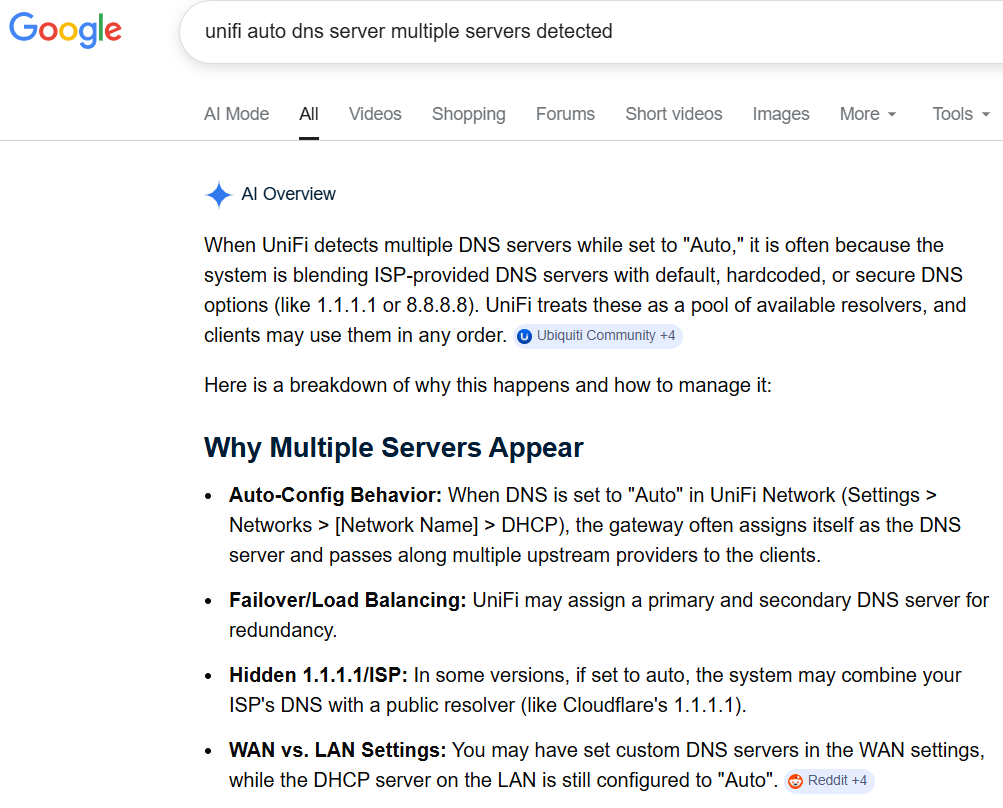
What I have since found is Unifi do the following: “When UniFi detects multiple DNS servers while set to “Auto,” it is often because the system is blending ISP-provided DNS servers with default, hardcoded, or secure DNS options (like 1.1.1.1 or 8.8.8.8). UniFi treats these as a pool of available resolvers, and clients may use them in any order.” . If you Google “unifi auto dns server multiple servers detected” you will find this information. No other router/gateway seems to employ the method Unifi has in place for DNS servers.
Pleased to help out. And you are correct, apparently only in some versions this is an issue, and it is for my Unifi gateway. So I moved from Auto for DNS to manually entering DNS servers I want assigned.
I am from Melbourne, Australia. Run a small IT Consultancy business.
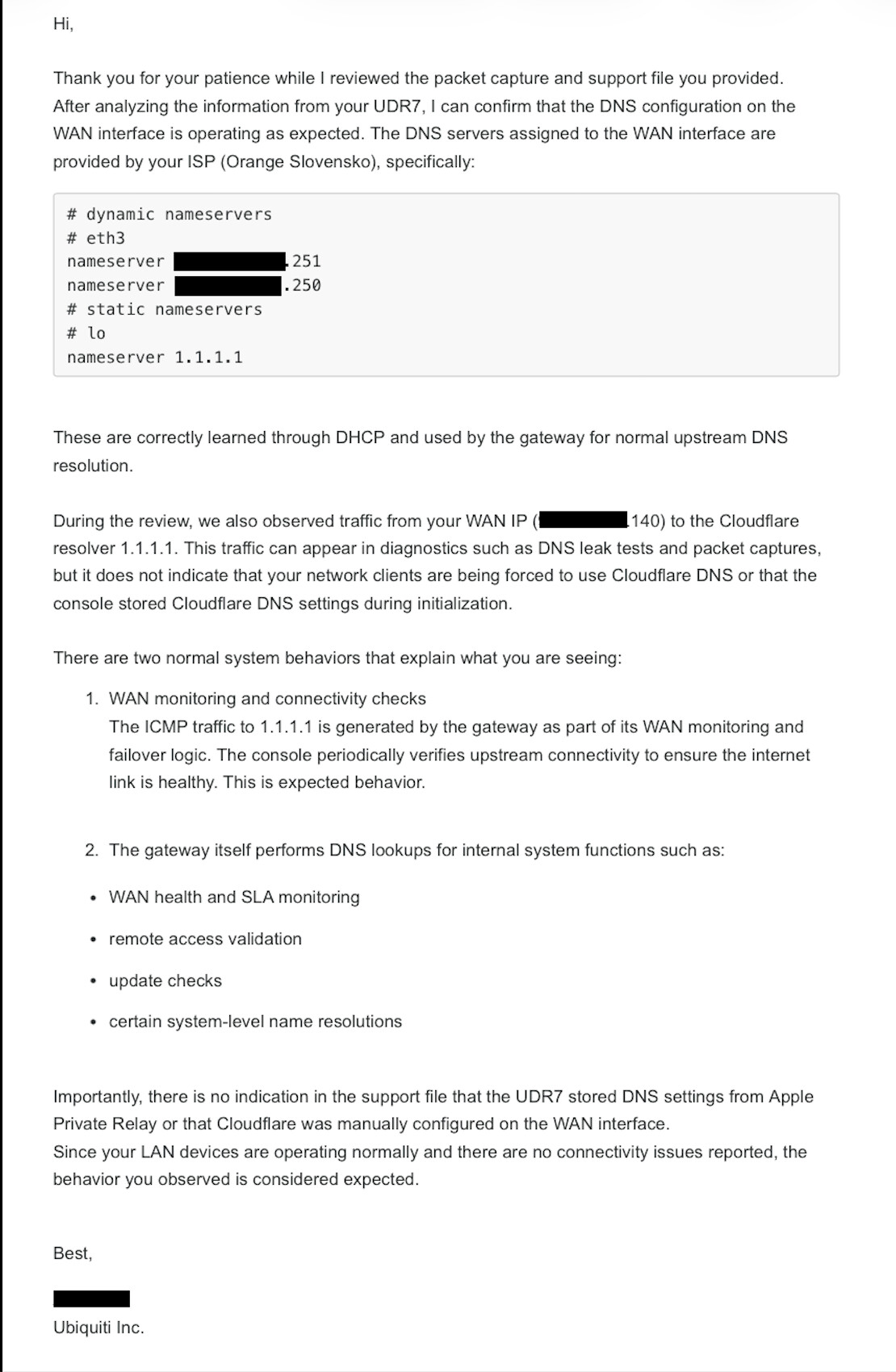
Here’s Ubiquiti’s response regarding the unexpected Cloudflare DNS servers:
Their explanation is pretty lame; I don’t buy it, but I can live with it.
But now the reason I bought UniFi gear is taking on tragicomic overtones.
I had a fully functional Asus Wi-Fi mesh system, but it lacked IoT network capabilities. Since my robot vacuum cleaner frequently visited chinese “Data Centers,” I decided to switch to UniFi….