Chapters
00:00 UniFi Security Advisory Bulletin 064
00:42 The Prerequisite
01:51 Ubiquiti’s Bug Bounty Program
02:43 How AI Changed the Bug Bounty Game
04:20 Patch Diffing and the “John Sim” Attacks
06:30 Why Auto-Updates Are Worth the Risk
You can use any site that will do public port scanning to check if port 8443 is open on your WAN. This is off by default so you could also check to see if you have any non-default firewall rules that allow access.
Tom - you shared a point that getting hacked is far worse than perhaps having some downtime from auto-update gone wrong. I previously did not use auto-update, but after hearing your viewpoint here, it makes a lot of sense. Especially because I’m a home user / self-hoster and downtime is pretty low risk for me compared to a business user.
One question on this though- what about for homelabbers where my hypervisor is relying on my UCG-Fiber for network link to my NAS?
I.e. if my UCG-Fiber auto-patches, then my VMs lose their link to the vdisks while the UCG restarts. Of course in an ideal world, I’d have a separate 10GbE switch and could patch the firewall without restarting the switch. However the UCG-Fiber is an excellent deal for all that it offers and I don’t really see the value in getting a separate 10Gb switch just to let me auto-patch my firewall.
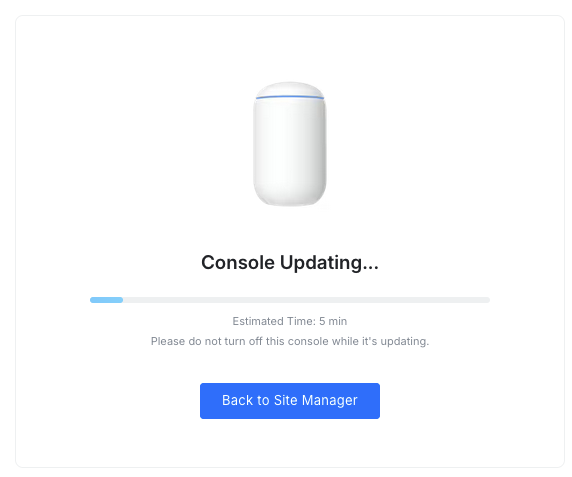
I manage four sites, each with an original Unifi Dream Machine. They are all set to auto update every week. Unfortunately two of my four UDM got stuck in the update loop. The network and internet is still working fine, so no immediate action required. Still, at some point I need to get these UDM out of their loop. Any suggestions for best practices? Thanks!
If they are still routing but not bringing up the Network app a simple power cycle should fix them. If you have SSH access you could use that to log in and figure out why the app is not starting.
Update on this topic: with no SSH access, my only solution was to unplug the Dream Machine. Once I plugged it back in, it kept blinking white. So I had to do a full reset and restore from backup.
Update on the second Dream Machine. After unplugging it came up normally in the Unifi controller, however, still at UniFi OS 5.1.12.. Unfortunately, I forgot to enable SSH. Last night, it followed its update schedule to update to UniFi OS 5.1.19. Now it’s unavailable again in the controller while still routing. What a pain

 https://twitter.com/TomLawrenceTech
 Lawrence Systems's Amazon Page
 https://www.patreon.com/lawrencesystems